

How to set Z8 and NAS for recording and timeshift over network.
-
SAM -
December 25, 2019 at 6:54 AM -
24,983 Views
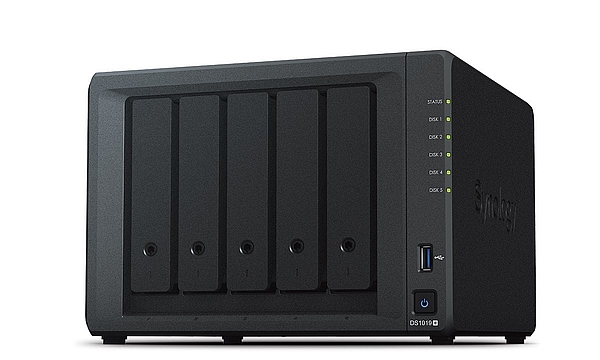
In this how to, we would like to show you how to set Z8 and NAS for recording and timeshift over network.
Since Beta Firmware 1.4.50 and MOL2 - 7.6.2 is NAS mount possible. Everyone who want to use his NAS for Recording and Timeshift is now able to do this.
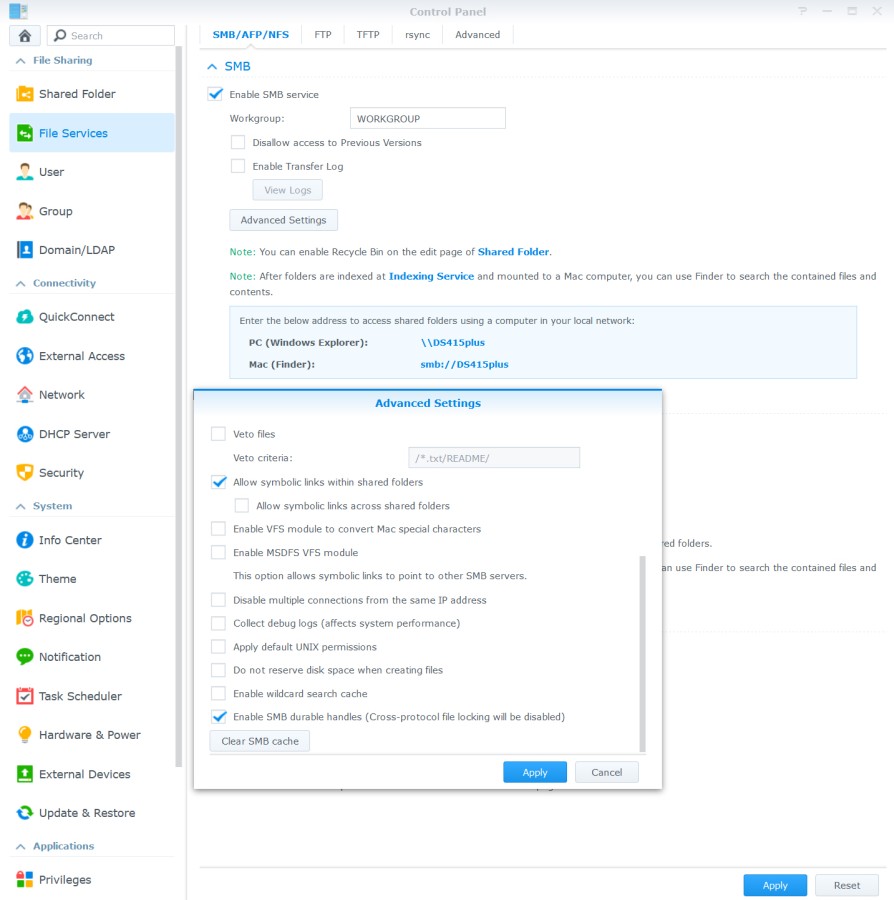
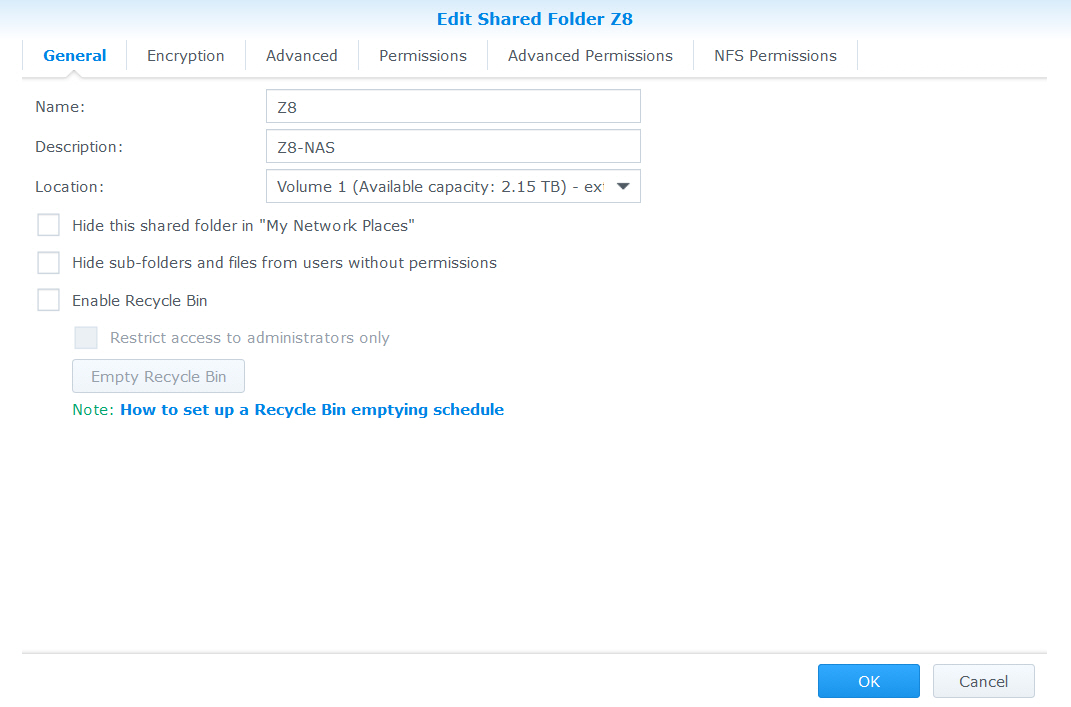
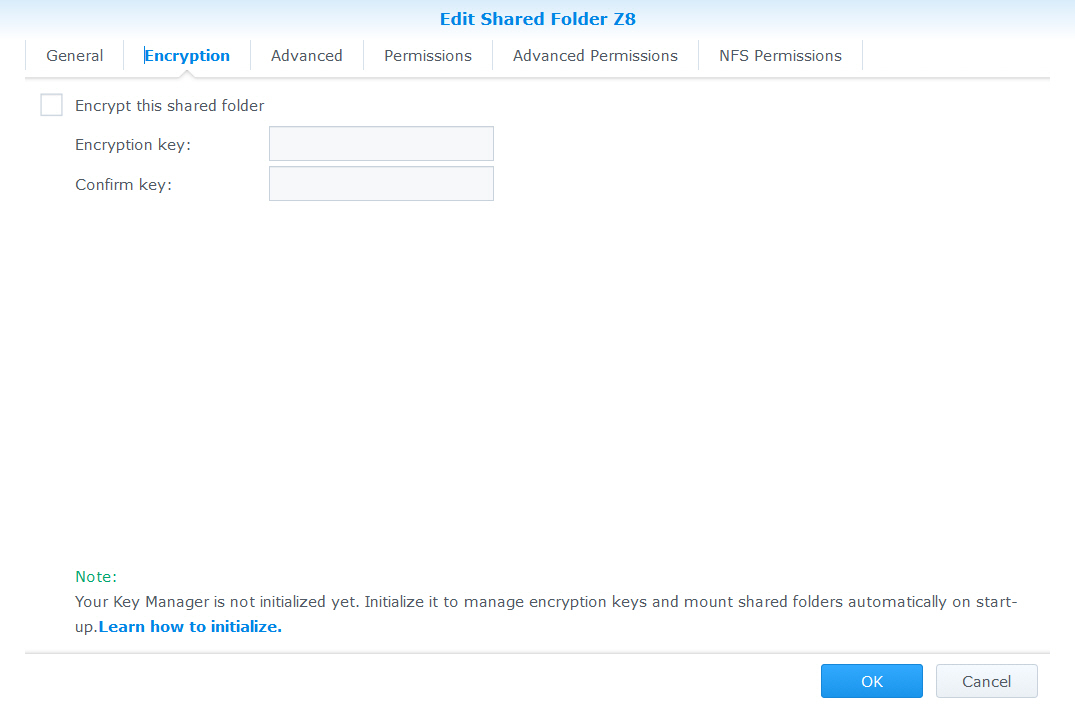
1. Settings on NAS (Is only one example with Synology NAS. Your settings could be different and also work.)
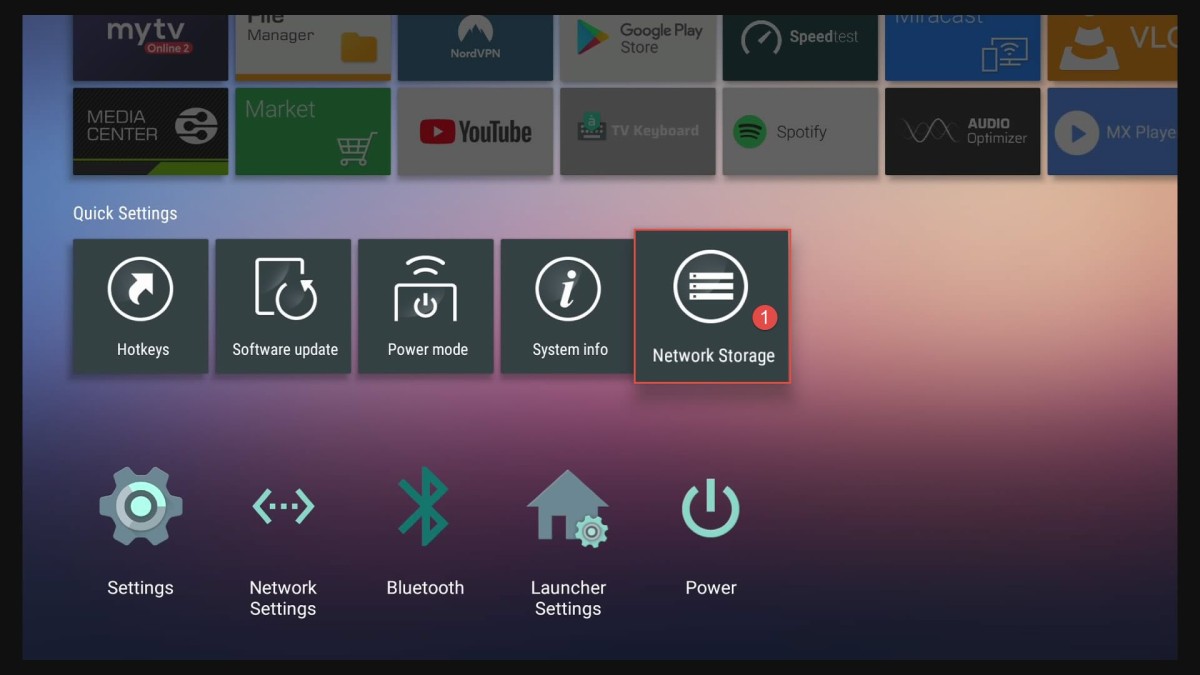
2. Quick Settings (Network Storage)
3. Settings MOL2 (Recording settings)
- The right path for NAS mount can be for example:
- 192.168.1.20/share or 192.168.1.20/path/to/share
- NAS have already static IP, give your Z8 also static IP before you proceed.
Please see self- explanatory pictures with text inside.
1. Settings on NAS




2. Quick Settings (Network Storage)


3. Settings MOL2 (Recording settings)
Please start MOL2 -> Menu -> Settings. At the bottom you will see two new menu settings.


