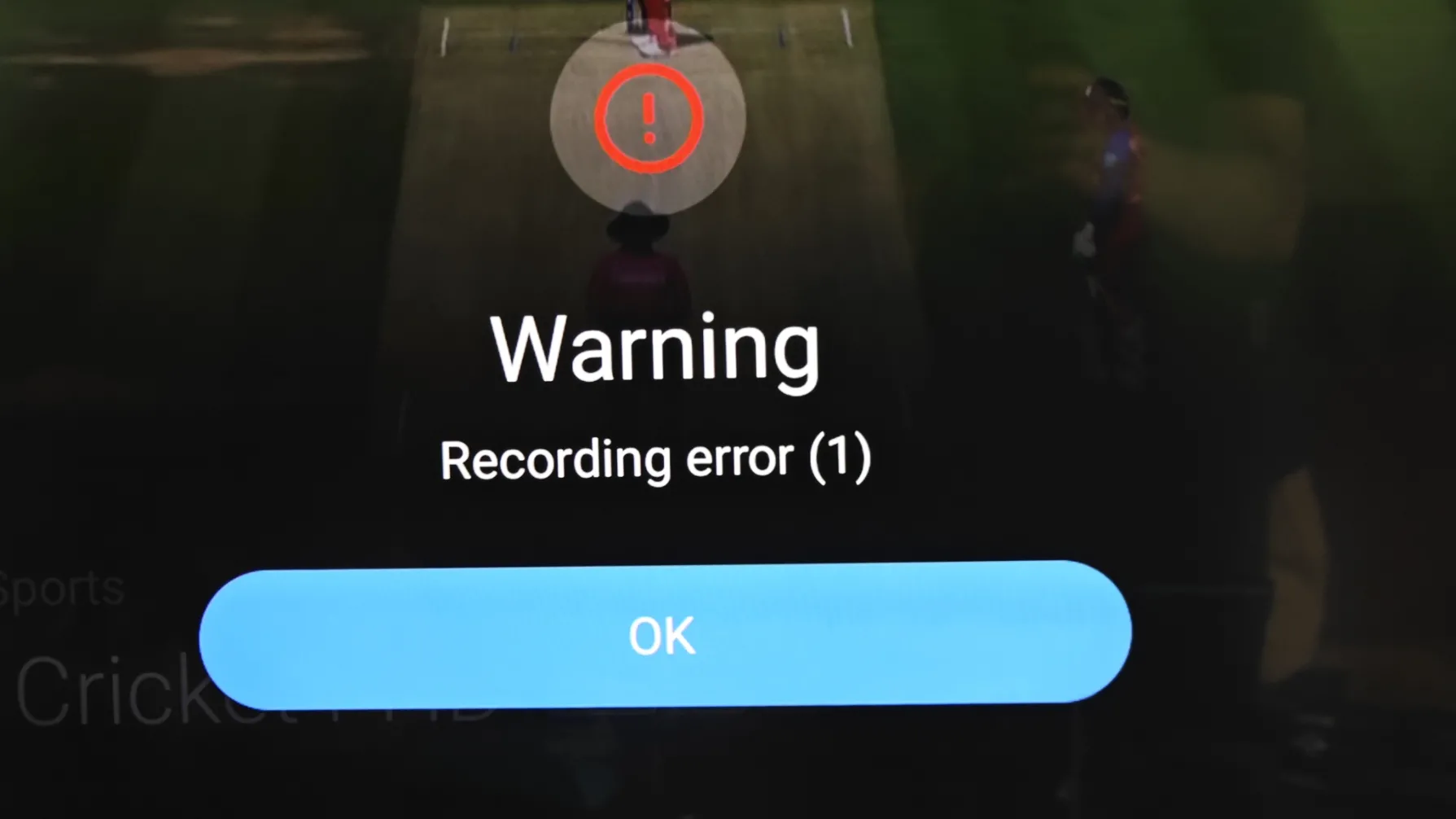
I have fought this for over a year. It is infuriating. Just today in fact I was coming in here to ask about this again because I keep getting the same problem and the annoying bit is that for the longest time when I first got the Z11 it wasn't doing this. I'm starting to wonder if there's any chance the sources are putting through some code that blocks recording on certain channels because it's always big famous networks.
Posts by tinpanalley
-
-
All of a sudden, recordings that would normally have been fine either don't record because you get an error, or they record and then they create an unplayable video that has 1970 as a date. Anyone have this or shef some light on how to record without issues?
-
1. Format the USB Stick with NTFS on PC, connect with box and reboot once.
2. Go to MOL3 menu -> Settings -> DVR Options -> and check there if your USB Stick is recognised like formatted (name) -> if yes, chose your usb stick for recording and if needed also for time shift.
3. If doesn`t work, test with other USB port.
I've done all of that. But I can try again. Do you work for Formuler's tech support? How do I file a proper complaint ticket to have this dealt with? This isn't great for the device. I know lots of people with this problem.
-
Getting the same recording error over 2 years later. Any advancements? This is pathetic.
-
I just wanted to add here that I have done a full hardware reset, bought one of the fastest USB flash drives available, still get the recording error.
-
For whatever it's worth, my Z11 Pro Max basically now decides randomly to just not record. Just recording error -1. Whether recording live or whether I set overnight. Absolutely lost about what it could be other than maybe a new USB flash drive.
-
I don't know what it is, but despite having the paid version of Sparkle, not a single recording works well for me. Maybe one out of every ten. All others record with no end time, they can't be rewinded or forwarded, so even MOL at its worst still is more reliable than Sparkle. And then I get a bunch of channels that give me the (-1) error when trying to record in MOL.
-
Which is best for recording? And if one is better what speed should it be capable of writing? I suppose to a certain degree the bitrate of your feed is more important?
I think my SanDisk Cruzer from about 13 years ago might be the cause of my Recording (-1) error.
-
If not recognised well or format not ok. Check also your DVR Settings in MOL3 menu.
I just did a full hardware reset of the Z11 Pro Max and STILL I'm having the recording error. I don't know what else to do. Is it really just the formatting? I've done tests on my USB flash drive it's in perfect shape.
-
Just want to open this up again because I have this happening for the first time since I've owned the box in over a year. What did I do to make this stop worklng??
-
It is a option, of course some hdd works also fine but here is the hdd power consumption very important, should not be to high for USB3 port.
Sorry, I meant SSD. But in that case 512GB in a USB flash drive will be more practical and also sufficient size-wise.
Now, can you help me understand why timeshift isn't working?
-
Some cheap 512GB-1TB SSD with case is of course the best solution if you want to record very much, no compare to some overpriced usb sticks.
Much more expensive though...
-
I test mostly with H2testw tool and let him do full test if i think some cell is faulty or similar.
For z11 i would use NTFS, have no issues with this format on my side, try it.
I'll try H2testw. Do you recommend any type of USB drive in particular for the Formuler Z11? Is a small portable HDD any good or does that not work?
-
Test your recording device on pc with some test tool for errors and if error free, reformat with ntfs and connect again.
Do you have any test tools in mind?
And I was told exFAT was better? Is that not accurate? -
I'm getting a recording error (1) whenever I try to record. Does anyone know what this is about? I've been recording fine for over a year.
-
Update will come, the Z10 series got last week FW and SW update so why z11 wouldn`t. Please patience.
I guess what many of us are thinking is the reason it wouldn't is because Formuler has a track record of leaving devices without support after just a few years and we haven't had anything in over a year. In most lifespans of a product, with the new model out, barring some massive problem, most companies just walk away.
-
Ask then for an xtream codes connection.
An url, username and password
No, let me explain.
I HAVE a regular xtream codes connection with my source.
I don't like the layout and viewer apps are too difficult to organise with. So I use IPTVBoss to reorganise my source. They output an m3u. They CAN output xc again but only to a server that has to be on all the time. I can't leave my computer on all the time.
So, if I go with the m3u, mytvonline3 is the only app of all the ones I've tried that won't read the EPG even as a separate xml. I don't know why. Every other app can. -
Thank you my friend,
I'm looking forward to your answer.
Goodday.
Ok... just realised that in this case it's a little different. Because my m3U is a dropbox url where I have an output from IPTVBoss that connects to a url that hosts my info about my edited source/epg. I'll ask them if there are details I can use for this output like a regular m3u
-
Display More
As example:
If your m3u is:
http://line.test.abc/get.php?userna…e=m3u&output=ts
Make a portal in mytvonline3.
Give it a name.
url is then: http://line.test.abc
Username: hellomyfriend
Password: hello12345
You see yourself i got the info from the m3u url above. it's all there.
click connect then.
Thank you, I'll try and report back.
-
Display More
So youn use a m3u url?
You can make a portal of it.
Give portal a name.
The url is the url in the m3u url.
Example: http://line.watchtv.abc
Username you can find also in m3u
And password too.
Try yourself to make it a portal and test again.
Ok, let me find instrutions somewhere so I can try that. But I don't get why it worked for months and now doesn't?
-
Mytvonline3,Contentmanager,contentsources, select your subscription, click on pencil (change),
play with epg offset. It’s mosly - 1 hour or + 1 hour and then on bottom click on update And check your epg my friend.
I think you use xtream codes? Url, password and username?
Or macid? If so, let me know
I tried that but it didn't work.
What I'm using is a Playlist not xtream codes in this case. I run my source through IPTVBoss. Every other app works fine with this playlist. -
I know we don't get updates anymore on this device or on mytvonline3, but is anyone else finding EPGs no longer sync from sources? Other apps work fine but for some reason with the same login info, ytvonline3 refuses to show me EPG.
Anyone seen this or know why it happens?I've tried:
- unplugging and replugging the device
- deleting the cache on MyTVOnline3
- deleting the sources and re-adding them.
- clearing and updating the EPG -
Sorry guys,but i really do not understand the requests for FW/SW updates for the z11 series.Mine is working flawlessly,can you at least give an indication what improvements your looking for?

Well, for example I was just going to post about how all of a sudden MyTVOnline3 no longer sync my EPGs with any sources.
-
In Contentmanager or normal menu i thought you can also leave groups away.
But up and down i don't no at moment. Im still on vacantion. Almost back.
I've tried. It looks like the only thing you can do is "pin" them so that they go to the top. But you effectively have to pin every group in your provider then, and I don't know that they can be rearranged once pinned.
-
Is there no way to just move them around like in tivimate? I don't understand the pinned groups idea.
-
You pin as many groups as you want but only one favourite group.
I don;t understand what you're saying at all. But thanks.
-
Favourite grouped channels added are from all provider sources i.e one fav group.
To delete fav channel press the favourite button on remote control, press the ok button and the group fav list will appear. You will see a a star next to each fav channel. Navigate up and down the fav list until you find the channel you want to remove and then press the blue button on remote and this will remove the channel you wish to remove.
So you dont get 10 groups PER source. Is that right?
I can't have source 1 with Favourites : Sports, News, Music
And then have source 2 with Favourites: History, Food
and NOT see the other ones.Is that it?
-
Can someone help me understand this?
I have one Content Source, I keep favourites in folders/groups. I then switch to another Content Source and disable the first one and try to set favourites. The first disabled source's favourites don't appear. Does each content source get its own set of favourites groups? Or is it one set of 10 for ALL content sources?
Second question: do I have to enable a Content Source to delete any favourites?
-
How does one see what is actively recording, how long is left on a scheduled recording, etc?? I sometimes forget which channel I chose and I can't see anything that said "X is recording, it ends at xx:xx".
Is there any way to see this??
-
The NAME you gave the current GROUP (Favorite, of course) is always displayed in the upper left screen corner of both the GUIDE and the CHANNEL list displays. It will always show the label [Favorite] plus the SUB names added to it. It clearly shows the current channel's SUB name that you added.
Did I misunderstand the issue?
Cheers!
Yes.
Add two channels from two different portals or sources to a favourites folder. Go in that folder. Nothing tells you what source either is from. Especially problematic when you want to grab the same channel from two different sources to have those options. And you can't rename channels, so that isn't an option.
Search any name of a smaller channel when you have two or more sources. All instances come up in search without any indication from the software which source the result belongs to. This forces you to pick one, go to it, see where it comes from, then go back to the search to find the next one until you get the one you want from the source you're trying to access.
-
The "supplier name" from the portal is shown in the upper left of any screen that is showing the Supplier Group (or Your Favorite Group) and that is how you know which SUB you are viewing.
When I look at my favourites, there is nothing as I scroll through them that in any way states where that favourite channel is from, I just tested it.
-
Hi,i have two subs. and i can differentiate between them by the different logos the same channels (per provider) are having,without the sub.name showing up

Hey, interesting idea, but in my case both subs are from the SAME provider.

There's just nothing that shows when I search which one I'm clicking into. -
No, because you chose which channel from specific sub. goes into created favorites category, easy done.
Well in my case, I'm going to have the exact same favourites groups in both subs. So I still don't get how I will know which one I'm looking at when I go to "Favourites".
And I also don't understand the search thing. No indication of sub, nothing in the names of channels, nothing visual separating the subs, etc. Difficult to navigate.
-
It is probably better to create a unique favorite for each service - like I do
This became apparent soon after I received my Z11. My first attempt using one favorite group was a disaster.I have 3 service providers and three favorite groups named as; FAVORITE-ServiceA, FAVORITE-ServiceB and FAVORITE-ServiceC where "ServiceA' (and B & C) will be the trade name of the service.
Now when you are using the guide with one of those favorite groups, the NAME of the group is displayed in the upper left of the screen to help sort out the who you are sampling.
Cheers!
Ah.. ok! This is the most useful idea I've seen so far.
So you're saying if I'm going to have (as I do) Sports, NY Sports, Football, etc etc etc, that I instead do Sports - Service A, NY Sports - Service A, Football - Service A, and so on for the other service. Right? So then at least when you go to the favourites menu you can point to the service you want.I was just hoping that maybe you could just not be shown the other ones when in the other service. That would be cleaner I suppose.
Still doesn't solve the search thing though. You search one network and its appearance in each service shows up with no identifier for which service each search result is. The only thing that comes up is group name and channel. You'd have to rename each group?!?! No thank you!


-
2) I believe you mean on vods and series
No, I mean in the groups of favourites you can make for your regular live tv. You make groups A B and C but do all the favourites of all your portals end up together? How would you know which belonged to which portal?
-
By the way, to go back to the topic of the post which I first opened.
I got a Z11 Pro Max. None of this is happening anymore. So. clearly either the apps being updated made them incompatible with the Z Alpha's Android version or the box itself stopped allowing new apps to be installed and used.
-
I just got my Z11 Pro Max. I'm loving mytvonline3. It's far better than mytvonline2.
But two things confuse me...1. If you have more than one portal active, enabled, when searching for channel names, I don't know how to tell which portal the channels belong to. Anyone have any ideas? The UI doesn't make it clear.
2. Since mytvonline3 shows you all the portals at once, how do favourites work when you have more than one portal? All get mashed together? You see them separated?
-
Having the same problem with downloader on my Z Alpha
-
I don't understand. At all. From one day to the next, no other apps work on the box that I sideload. Downloader doesn't work. Apps I had before now don't work. Has anyone had this? I'm trying to download tivimate with Downloader and Donwloader thinks I'm not connected though I am.
So frustrating.
-
All of a sudden apps that I install won't load. Even some that were already installed and working fine just crash when loading. I don't understand how this is possible. Especially since the Z Alpha no longer gets updates so how can it possibly stop loading anything if the firmware hasn't changed?
Very annoying, does anyone know if there's a known fix for this? They're perfectly legitimate apps from the market.