Posts by Lucky13

    If latest Beta in use, Install Audioptimizer on the z11 and execute once again. Could fix the issue with standard player.

    Isn't i when you ran the first time Audio Optimizer after software update and setup mol3, then you see the load button.

    And when you start it a 2nd time the audio optimizer app the "load" button is gone i though and have only an exit button.

    Or is there a new version. I don't know cause i can't check, cause I'm on holiday😉😃

    It worked I remember at my side on mol4 AFTER the automatic content updater at 16.00 hours what i setup in settings the next day.

    when i did manual epg update (in beta 1 version) it didn't working immediately.

    next day then when the auto content updater did his work, it was updated and a saw then it worked out. The epg some day forward😀

    Maby in beta 2 you need to wait too, till the message on your screen comes "new content found" after apply it's maby there the full epg.

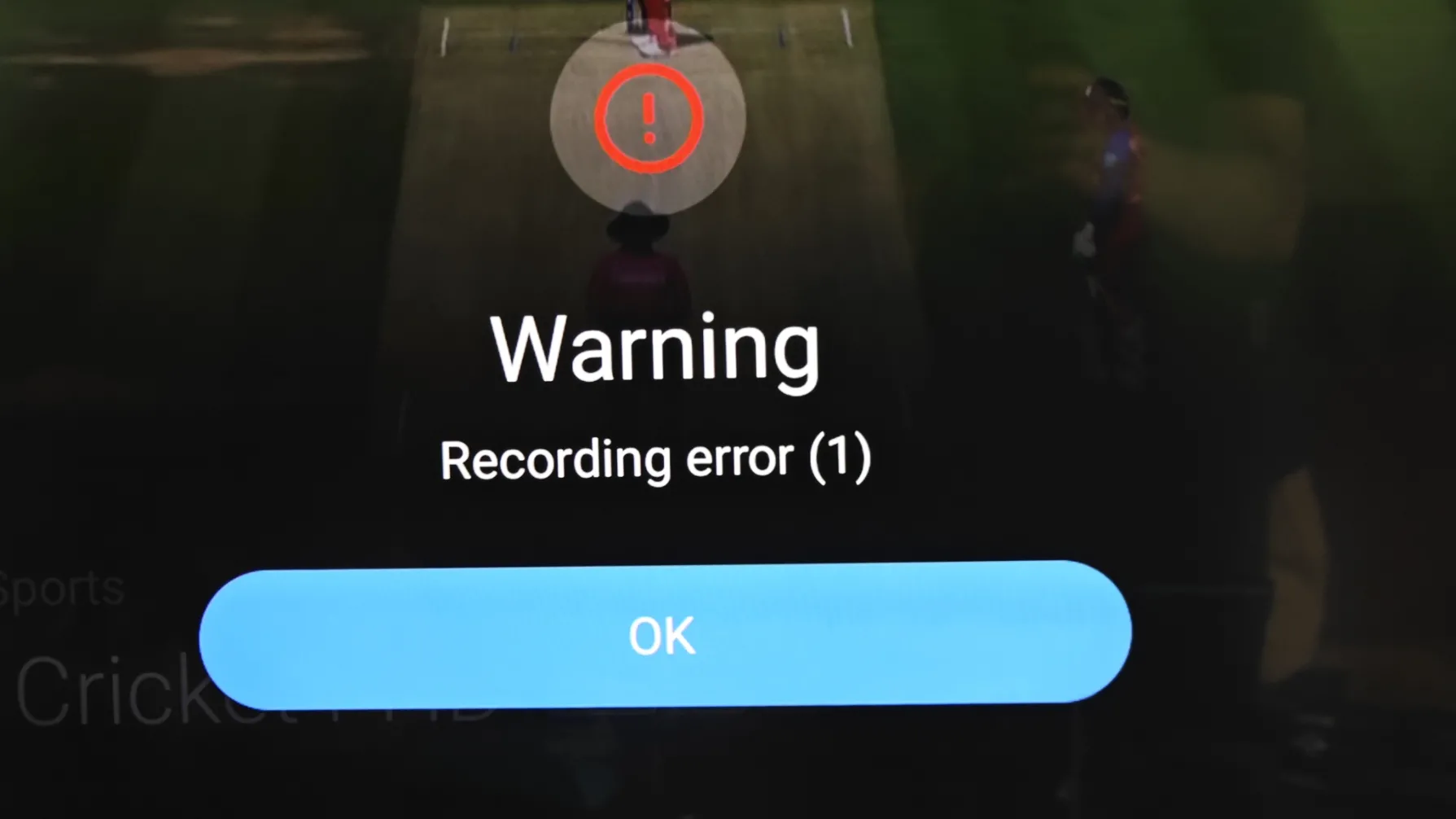
    I have fought this for over a year. It is infuriating. Just today in fact I was coming in here to ask about this again because I keep getting the same problem and the annoying bit is that for the longest time when I first got the Z11 it wasn't doing this. I'm starting to wonder if there's any chance the sources are putting through some code that blocks recording on certain channels because it's always big famous networks.

    Format your usb to ntfs with Rufus on Windows desktop/laptop.

    If i won't record again, format it again with Rufus tool and then format it as Exfat and or Fat32...


    Give it a try my friend.

    Epg offset zero

    Timezone belgium +2 so it is correct

    Isp time is correct


    Still same problem but why is it in tivimate correct with the same settings?

    Mol4 is in beta. It's not bugless and no final version.

    Al my providers are working fine. Time is good.

    So a bug can't be, cause i got it then too right?


    You live in same time zone. Try in android settings in at timezone Amsterdam or Berlin IF possible, cause im on holiday and can't check it if it's possible.

    Reboot box and refresh live tv.

    Then at your sub in mol4 try to set epg offset again to 0 and click on bottom on update button.

    Then remove epg data in mol4.

    And renew epg due update.


    Maby it's then fixed?

    Still the same problem. In tivimate epg is normaal and correct. In mytvoline4, i tried everything and still have the same problem. For my it is an issue in mytvonline4

    Can you set epg offset back to zero

    And check in android settings your time(zone).

    Try first isp provider time and or set it manual to you country and capitalcity. Other user fixed it that way. Hopefully it worked also for mol4.

    Hello,

    I set the epg offset to -2h and now the houres are correct but when i click on a catchup he played a file from 2h before.


    For the adult channel, its fixed. Thanks everybody for that solution.


    @developers:

    Is it possible to ad audio delay for catchup and also forword and rewind 10,20,30 seconds for catchuo?

    Try refresh live tv and after refresh you get an popup to push ok button to apply refresh.

    Then try refresh epg.

    Hope it helps.

    Tried all that still the same with factory reset

    Factory reset, other same power adapters, other hdmi cable and ports and still the problem exist?


    Do you have warrenty?


    Can you test it on a computer screen with hdmi connection and other tv?

    If it works on a computer screen and or other tv you can exclude the problem.

    When I turn on my TV and then former box shows up HDMI disconnected then have to plug out the power cable from z11 box to get it to work, I’ve changed the cable several times and still the same issue any advice?

    Maby the hdmi handshake between your tv and box isn't okay.

    Did you turn off hdmi-cec on box and tv?

    Do you use official hdmi cable?

    Did you try other hdmi port?

    Did you already tried latest update? And or beta update? 1339 code in software update? Please try first-->

    SAM
    June 30, 2026 at 1:20 AM

    Did you tried a factory reset once?


    Please be more specific please.

    Maby other hdmi port is already fine. And it's not the power adapter.


    Let us know my friend. Goodday

    Hello, i am new here.

    In mytvonline beta 4, i miss audio delay for catchup.

    Epg is not correct, in tivimate is my epg correct. I tried everything.

    I can’t find my adult channels in the groups. In tivimate i have my adult channels but not in mytvonline 4.

    Hello and welcome on forum newbie😃


    Im on holiday so can't check in catchup if audio delay is there. It's normally find to push arrow up i thought and then avove in the row and or red button..someone can check it for you who is at home.


    Adult is normally showed on bottom of channel groups/list.

    And in mytvonline4 in settings you can lock adult out in profile and or orher setting. Check in mytvonline4 settings and at the profile setting. There is somewhere an adult switch.


    Check if your time is okay in android settings. If time is correct you can find also in mytvonline4 settings at Contentmanager epg offset. There you can set the offsettime if needed. Also there is an Alternate epg time setting. Check that also and don't forget to click on "update" button after changes.


    Like i said, im on holiday so exact steps i don't know. But try it. I think you find it yourself with my steps above. (I hope). Or due other users who are home yet.


    Goodluck my friend.

    Goodday

    Had is also couple times when i switched back from hdmi 1 (pc) to hdmi 4 Z12 aftwr using pc for hours and very rarely sometimes no audio yes.

    Restart and fixed the problem. But more people have it i see.

    But we are in the beta so should be fixed in the final version.

    Any reason why my old Z8 will not play the Onstream app? Installs fine but refuses to open. It's the latest version and works ok on other android devices.

    Strange my friend, on internet is written it should work with android 5 and higher? Formuler Z8 got android 7.


    Did you install the right version? The androidtv version?

    P.s. the most people say it's down, i can't test it myself cause I'm on holiday. So if a lot says it's down. I should be down. Found itnon google and reddit.

    https://onstreamapks.app/app/onstream-tv-1.1.0.apk

    Yeah I’ve tried the vpn trick but it doesnt work after the device is geo locked the first time. The closest i got it to working is factory resetting. Only connect to the internet after the initial language setup screen. It keeps working as long as I dont update or turn off the device. Once I hit the power button or an update triggers a device reboot. The geo lock msg appears and the device keeps showing it no matter how many times I try to turn it on again, only way to get rid off it is to hard reset the device again and start from scratch.


    I was able to install MTO and input my iptv credentials and watch it for hours. But its very annoying that I’ll lose access once the device reboots or sleep.


    Anyways, still waiting for support reply & thank you so much for caring enough to reply 😅

    Wel done my friend,

    Return box to seller.

    Wait for new one.

    You know now you get the usa version box.

    So, before you power on your new Z11 if you got it, connect first with your phone to vpn usa. Check it on a website whatsmyip if you got an usa ip and make wifi hotspot of your phone.

    Power Z11 on (no ethernet cable in it!) and connect to phone hotspot. Then install software update/firmware update.

    The box reboots and install then audio optimizer from market app and run it once, box reboots again and so far i know after the setup and software update process your box should work in Egypt as normal on your normal ethernet or wifi my friend

    Is it not possible to manually teach the remote the volume buttons? Can the front buttons be programmed to control the TV volume by doing this?

    It's not exactly the elegant way, hopefully they adapt the app so you can choose either / or/

    No, it's not possible my friend.

    Use the side buttons after programming to use tv volume.

    But who knows, in a future update Formuler change the side buttons to the front side volume buttons.

    I agree. most users hope they bring back the tv volume buttons back to the front side.

    I’m actually using a CC, sorry.

    No luck so far trying different key combinations

    Oh in that case.

    You posted in the wrong Formuler box topic.

    But can happen, my friend. No worries.


    The steps should be:

    Rearrange and sort your favorite channels manually with this straightforward method:

    1. Open the Live TV screen and bring up the channel list with OK button.
    2. Press LEFT on your remote to open the Channel Editor sidebar (gear icon).
    3. Navigate to your Favorites group under My Groups.
    4. Highlight the channel you want to move and long-press the OK button on your remote.
    5. Use the Up/Down arrow keys on the remote to shift the channel to your desired position.
    6. Press OK again to lock the channel into its new slot.


    See also: https://support.formuler.tv/kb/article/122…tor-mytvonline/

    Haha, it doesn't bother me that the back button doesn't work; if I press the three-line button, I just get the menu back. So, not the home button, but the three-line button on the remote. And yes, a refresh button for everything would be great. I haven't experienced any other issues.


    Thanks for youre reply. Have a nice day!

    That's the reason i placed the emotion with the blinking eye.:winking_face:

    The rest is almost close to a final version of mol4

    Beta 2 fixed a lot.


    Thank you and a good day to you my friend.

    Yeah, all the HDD were formatted NTFS/64 KB with Rufus. But thanks for the reply. :waving_hand:

    One user on forum had formatted it to Fat32.

    Maby you can tray also to format an usb stick with Rufus to ExFat, if that doesn' work then Fat32. (Exfat can handle files higher that 4gb. Fat32 goes to max 4gb)

    And try it then my friend with the usb stick.

    Maby it helps Exfat or Fat32 too.

    Give it a try😃, if you want.

    Wow, I’ve installed MyTVOnline4 Beta 2. The menu is much more organized, the layout looks much better, and the menu navigation is faster. When watching VOD or a series, the "back" button doesn't work if you want to go back; however, if you simply press the "three lines" button on the remote, the menu reappears, allowing you to switch to live TV or series—which works better than in version 3, where you had to exit the menu completely. I can clearly see the cast photos for movies. I’ve been testing it for a while now and haven't encountered a single problem; I’m already very happy with it. I don't use the recording feature, so I have no idea if that works. You can even customize the home screen to choose what launches at startup, and TizenTube now works with MyTVOnline 4 as well 😀. The only thing I’ve noticed is that the EPG doesn't update during the automatic refresh, so I have to do it manually; it would be great if that could be added. For me, it’s stable enough for daily use. Keep up the good work! Thank you.

    Hmmm, should be work my friend.

    Cause i saw last week the epg every day. Maby not at your side.

    Boxes are all the same, but everyone has his own problems with it. Strange sometimes, but thrue.


    Anyway, only "big" bug i found is the vod/series. That the back button doesn't work😉

    We need to use the menu button now to go back to live tv.

    And i hope for an refresh button in the mol4 menu in future what refresh all the live tv, epg, vod and series at once.

    There is only one way what i know my friend:


    First install on your phone a vpn with a connection to usa (new york or so)!! That's the most important step!


    If that is really on the vpn and you have checked on a whatismyip website where you are located, it must show usa ofcourse and sometimes a city!!!

    City must be in USA! SO NOT IN CANADA!!!


    Second: buy a NEW formuler box on usa website if old box not work due block. But try first old Z11 please what you now have please!


    DON'T PLUG IN A ETHERNET CABLE!!


    IF IT ASK FOR WIFI: MAKE FROM YOUR PHONE (WITH VPN CONNECTION TO USA) A WIFI HOTSPOT!! If you dont know how ask or use Google. Free vpn's enough.


    Connect your box to your phones wifi (which is connected to usa, what you checked before)

    Afther wifi connection follow steps and update device only.


    If software/firmware update is done by the box it should reboot itself.


    After reboot box it should automatic take your phone's hotspot wifi (with vpn to usa)


    Then it should be fine. Download from Formuler market app (Green logo with white trolly) the app: "Soundoptimzer" and install and run it once it click on LOAD!


    Box reboot again after sound optimizer installed and loaded.

    Then you should disconnect wifi hotspot.

    And use own wifi or way better: an direct ethernet cable from router to box.


    P.S: don't know if it works at blocked box or only at new formuler box from USA.

    (Try first on old box, before you send it back!)

    If you tried it on your box you have now, and it won't work.

    Send it back!

    Buy new one from official store who sell usa boxes. (Or a european box, but connect your vpn then to an european city like amsterdam, brussels, berlin etc. But NO UK city due it's not at europe)


    And then before turning on the new box...

    ...first install a vpn on your phone and connect to usa!!!


    Then create wifi hotspot from your phone (if VPN TO USA IS ON) and follow my steps above...

    After all steps (firmware/software update and install audio optimizer) and a reboot you should disconnect your wifi hotspot and use your own wifi and should work...:smiling_face:

    Thank you guys for your assistance tested 5 mins of instant recording and time shift also works. Will look to do full programmers also.

    I had this on ntfs on Samsung t7 portable ssd.

    Before formatting turned off password by logging into the software before you get this option you must update the software the ssd comes with. This will allow to remove pasword before the format step!!

    Well done my friend. Good job!

    Can anyone provide me the exact settings etc i need for refus please , this is more confusing than i thought it would be as need to enter a whole load of information etc into the programme i have the refus portable version downloaded from main site.

    Select above your usb.

    Select "Non bootable" in Rufus, or right-click the drive in File Explorer, choose Format, select your desired file system (e.g., NTFS or fat32, and click Start

    Goodluck my friend

    The v14.1.0 beta removed and blocked ADB on the Z12, and it wasn't mentioned anywhere in the release notes. That's a real problem for those of us who use these boxes as development / power-user devices — no `adb logcat`, no scripted installs, and tools like atvtools and app-killers are now broken (chaydee raised the same thing a few posts up, still unanswered).

    MYTVOnline 4 itself is genuinely good, so I'll be honest: losing adb with no warning is the kind of change that makes me reconsider staying on the platform, and I doubt I'm the only one. If it was intentional, could you say so directly? And if there's any chance of restoring it — even gated behind Developer Options for advanced users who accept the risk — that would keep a lot of us happy.

    Two straight questions:
    1. Was adb removal intentional, or a side effect of the beta build?
    2. Is there any path to getting it back on the Z12?

    Thanks.

    1: after the very first post of that message, there came direct a answer to turn off developers settings and a message to delete an installed app for removing an adb app or something. So i think they did it by purpose. (If i say i right)


    2: i'm on vacation. I always used adb manager to remove youtube.

    Don't know if i can get it to work on my Z12, cause my holiday.


    Goodday my friend.

    How to Resolve a Formuler Geo-Block

    • Contact the Seller: Reach out directly to your retailer. Official sellers have direct access to Formuler's distributor tools to submit a ticket and whitelist your device's MAC address or serial number. [1, 2, 3]
    • Provide Device Information: Have your box's MAC address and Serial Number (found on the bottom sticker of the box) ready when contacting support. [1, 2]
    • Avoid Factory Resets: Do not try to continuously factory reset the box. Resetting will not clear a Formuler region block and may complicate the verification process. [1, 2]


    Result is from google ai.