Goodevening,
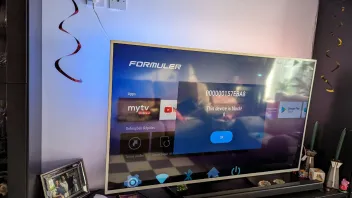
I hope that somebody can help me. I use a z12 ultra since the beginning of februari but since yesterday it says this device is block. I factory reset it and it worked again but today again it says device is block. I already made a ticket to formuler but they are not helping and saying that i need to contact my seller. It is not possible to contact the seller because i bought it on vinted and the seller is not on there anymore. The box was sealed and new.
Greetings and a nice evening
Marc
Do you have installed the portal on more boxes?
Based on Formuler support forums, the "208793b" error is likely a typo or variation of standard network connection errors.
Here are the troubleshooting steps to resolve connection and server errors on Formuler devices:
1. Check Provider and Credentials
Invalid Credentials/Account Expired: Contact your IPTV provider to verify your subscription is active and that your credentials (username/password) are correct.
Invalid MAC Address (Code 8): Ensure your provider has the correct MAC address for your device.
Single Portal Usage: If you have multiple services, ensure you are only connected to one portal at a time, as they may conflict.
2. Network and Connection Fixes
Restart Network Equipment: Unplug your modem and router for 60 seconds, then plug them back in.
Toggle VPN: If you are using a VPN, try turning it off, or conversely, try enabling a VPN to bypass potential ISP blocks.
Use Ethernet: Switch from Wi-Fi to an Ethernet cable for a more stable connection.
Disable IPv6: Disable IPv6 in the Android settings, as this can cause connectivity issues.
3. Application/Device Fixes
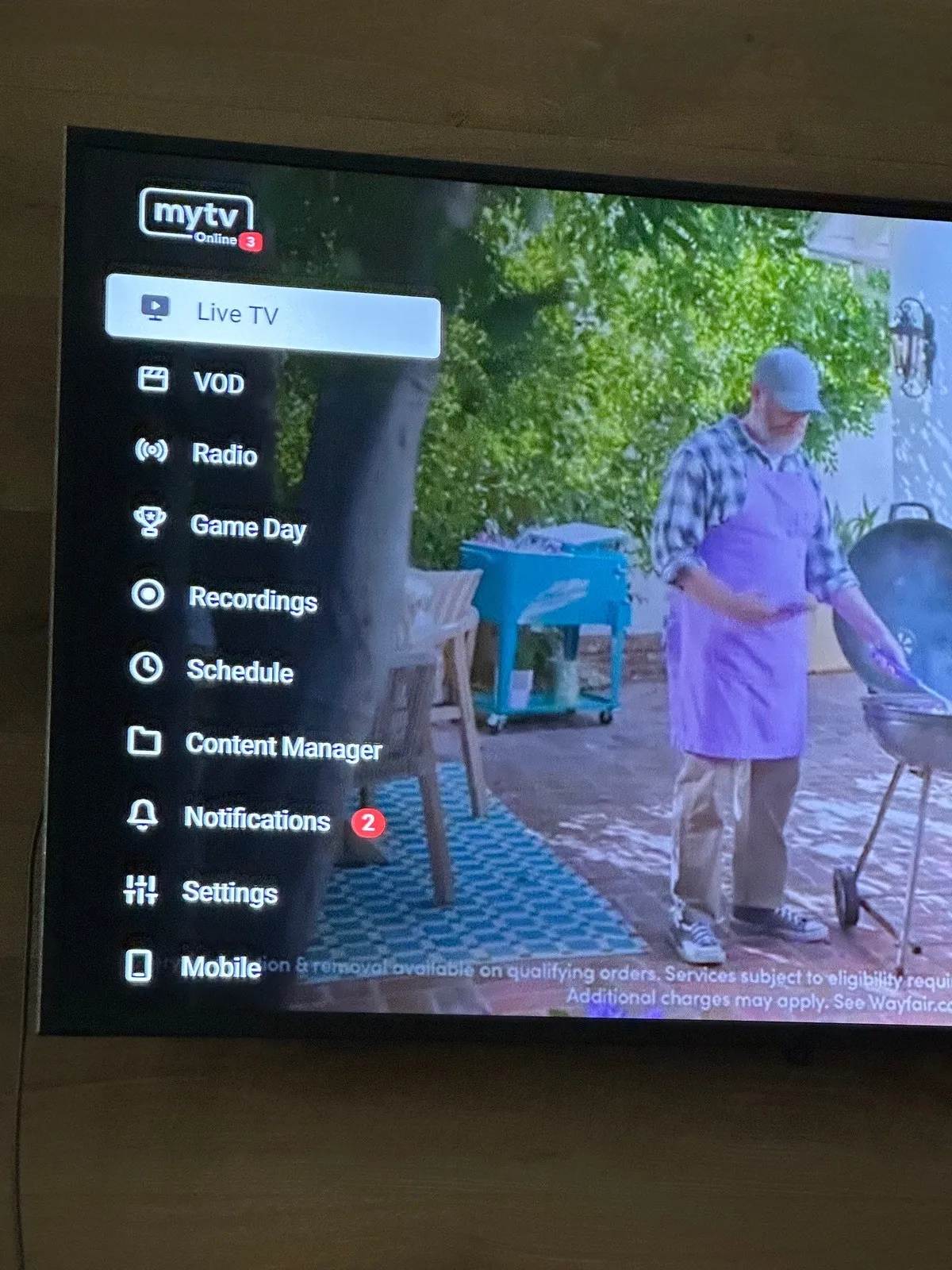
Refresh Content (MYTVOnline): Go to Menu -> Content Manager -> Data Sync to refresh your playlist and EPG data.
Clear Cache: Clear the cache for the MYTVOnline application.









 😉😂😃
😉😂😃


 , z11pro was better !