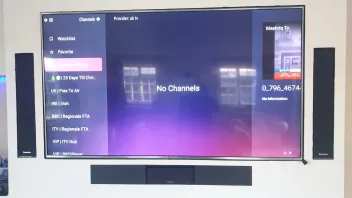
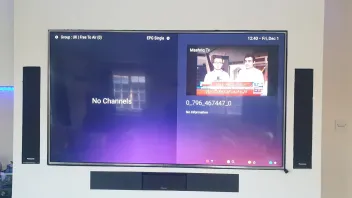
Sorry adrilang,i dont know what you mean with "Groups" button.I have set Favorites for every of my 3 providers,do you mean i have to go on live channel of every Provider and press the Groups button?,in order to separate the 3 Providers?
Havent tried either your or la Praline advice on the matter,as i am currently recording a show
What I mean by groups, on any live tv channel, doesn’t matter which provider, if you press groups button on your rcu it will open a menu which automatically separates content by provider.
For example:
Heading: Provider A
Entertainment
Factual
Kids
Heading: Provider B
Entertainment
Factual
Kids
So the first provider you setup in your content manager list and the relevant bouquets is what appears in your groups menu first and separated in order of content manager list.
To the left of that are also icons which is basically a folder of some description so you can easily select the provider you want to use.
If you have favourited your channels, you’ll only be able to view those favourites in one big list, it doesn’t appear to seperate by provider so maybe in that instance you create a favourite and rename by provider?
I hope that explains better