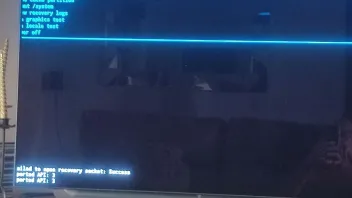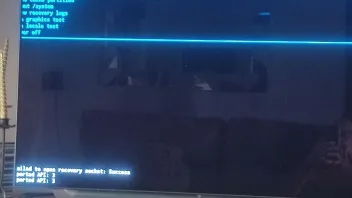
Factory reset failed box now stuck
-
- Help
- Z10 Pro
-
happyhotspur -
October 18, 2023 at 4:10 PM -
Closed
We asking all new users to read the articles below, before creating their first posting or thread.
- 4. Instruction Articles
Please note, in this forum are only English threads and postings allowed, without any exception!
Please follow the forum rules, thank you for your understanding.
-
-
Did you do a hard factory reset with the paperclip?
Or a reset via settings menu?
-
Used the paper clip method
-
Just a suggestion; take your z10 pro of electricity for several minutes,turn off your modem,turn it on again,reset your router,and see if the box reboots,after reconnecting to electricity.
-
Will give that a try 👍
-
-
Ok, a solution will come up in time,in the mean time enjoy your cheaper box

-
I think factory firmware can fix this problem
-
I think factory firmware can fix this problem
I think you might be right,did you do the most recent beta update for z10 series?
However i dont know how you can get out of the blue screen youre having at the moment.
-
I don’t have z10 series but i have different brand with same problem and I need to update with factory firmware to fixed in this case only Formuler can fix
-
- Official Post
The point 7 in the list (Picture) should be chosen and confirmed with OK, factory reset will be done again and the box should boot.
-
Thanks Sam
I left it overnight and this morning I managed to carry out another factory reset and this time it reloaded to the home screen.
Many thanks for all your help