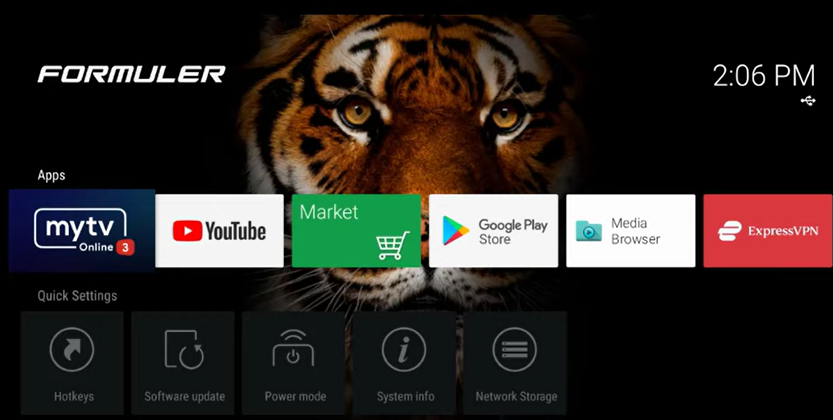
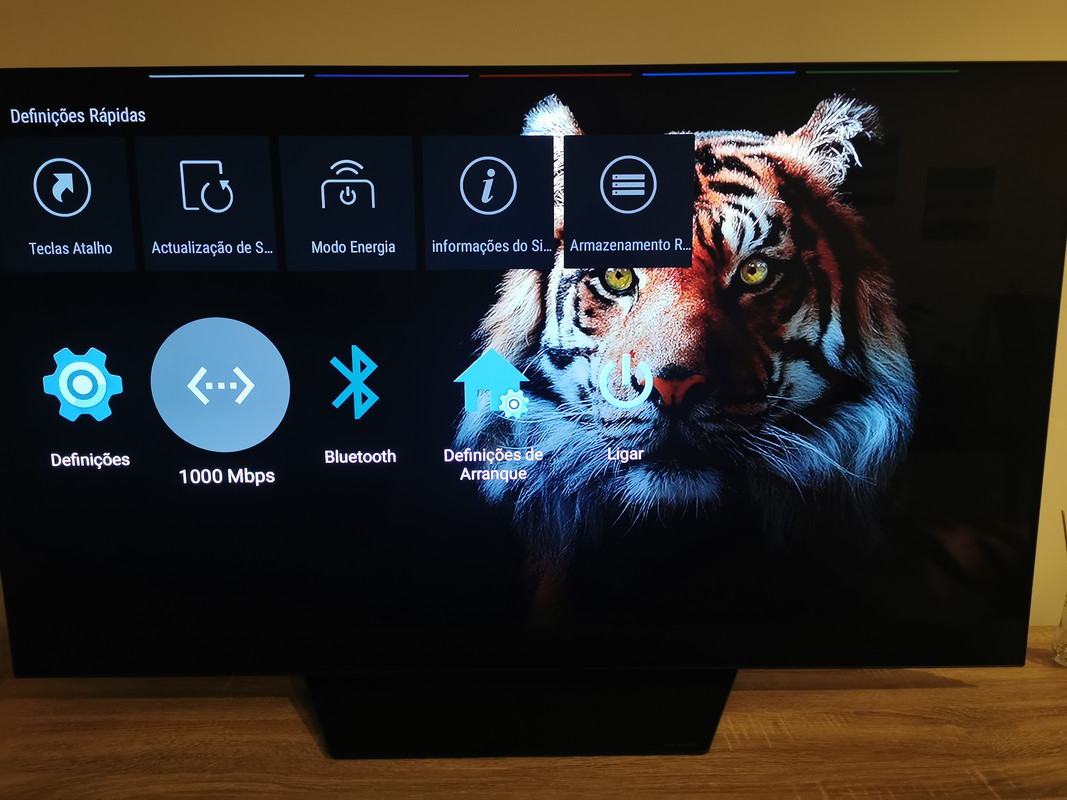
Hello friends, does anyone know how to put a background photo on the Z11 Pro Max menu. Ex photo.
Thanks in advance for the help.

We asking all new users to read the articles below, before creating their first posting or thread.
Please note, in this forum are only English threads and postings allowed, without any exception!
Please follow the forum rules, thank you for your understanding.
Hello friends, does anyone know how to put a background photo on the Z11 Pro Max menu. Ex photo.
Thanks in advance for the help.
Here’s Formulers official way of doing it
However I did mine differently.
I downloaded Chrome and searched for a wallpaper, once a suitable one was found, I press and hold OK button on the remote and downloaded the image.
It saved to download folder on internal storage
(You can simply save an image to usb and do it that way)
Once the above is done. You can change your background.
Go to Home Screen and select Launcher Settings
Go to Advanced
Select wallpaper
And then choose the group you want to have the image.
So if you want to use the same image simply select each group in turn, click local and then locate your saved image
You can actually have a different picture per group if you like so when you’re scrolling on the home page it will change the picture.
If you prefer the default image, simply select default in each group and itl revert to normal
You can also hide the quick settings menu if you don’t want to see it.
Home Screen > Launcher Settings > Parental Control > Enter passcode > Toggle off “Show Quick Settings”
Mine looks like the below
Thanks friend adrilang I followed your steps on usb and everything went perfect I already put a new background, thanks again for the help.
Excellent, I’m glad you sorted it with ease.
Your background looks great.
Enjoy 
You can also post the link to this wallpaper, guess some other users would like to install this wallpaper too.
Here I leave 5 wallpapers for any user to put to their liking.
https://i.postimg.cc/D0VVdWs4/1182853.jpg
https://i.postimg.cc/NMHSMgVs/2000740-women-beautiful-female-models-eyes.jpg
https://i.postimg.cc/9XysHQZ1/f29f1061ccc267793502cf7d4b34f6c4.jpg
https://i.postimg.cc/W4QYxB4Q/fiche-animale-monde-animal-tigre.jpg
I get a message that wallpaper failed when I enter URLs. What could the issue be?
Create on usb stick folder with name Wallpaper. Save your Wallpapers inside and use local path to choose the right wallpaper file.
Friend, if you read from the beginning of the topic, you will see how easy it is to place the Wallpapers, as your friend Sam explains correctly how to do it.