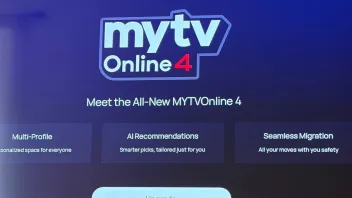
MYTVOnline 4 v14.1.0 BETA 2 for Z12 released

We asking all new users to read the articles below, before creating their first posting or thread.

  • 4. Instruction Articles

    • Please note, in this forum are only English threads and postings allowed, without any exception!

      Please follow the forum rules, thank you for your understanding.

  • Perhaps it's a DNS issue?

    Have you tried changing it?

    On my Z Mini (MOL3), I get DNS error messages when the box starts up... maybe the same kind of problem with MOL4 beta?

    For my part, I tried it with and without a VPN, and I also tried changing the DNS settings by using those from Quad9, Cloudflare, and Google, but none of them solved the problem 😅

  • Is removed, was a week online.

    Later came beta 2.

    Maby only installeble when you got beta 1 installed.

    Or they changed it again. And got it offline today.

    What a mess! Why dont get users more info (Official) via Forum,thats what its also for:smiling_face:

  • For my part, I tried it with and without a VPN, and I also tried changing the DNS settings by using those from Quad9, Cloudflare, and Google, but none of them solved the problem 😅

    Hi guys! I just got the Z12, is the beta still available or it got removed?

    Hello,


    Could you try accessing the Software Update again and install the firmware? We've reopened it.


    Let me know your results.

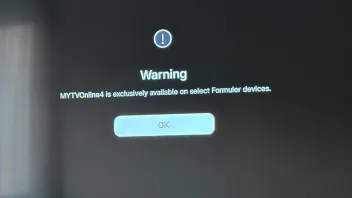
  • Looks like the issue occured because the MOL4 version doesn't match the firmware version. We've reopened the firmware.

    Please access the Software Update app again, and install the update.

  • Looks like the issue occured because the MOL4 version doesn't match the firmware version. We've reopened the firmware.

    Please access the Software Update app again, and install the update.

    Hello Peter,
    I just ran the test this morning before leaving for work, and I can confirm that it’s working perfectly again.
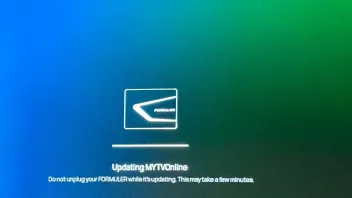
    After updating in the beta tab, my device restarted; it applied the update for about five minutes, and then after the restart, the MyTvOnline4 app worked instantly.

    Thank you very much for your help and for your prompt response.

  • Hello,

    I'm having an issue with pinned my groups section. I organise my favourite categories to the top with both my subs. It might be ok for a few days, could be a week and then they are all deleted?

    Anyone else with this issue? Running 14.1.

    Thanks.

  • Hello,

    I'm having an issue with pinned my groups section. I organise my favourite categories to the top with both my subs. It might be ok for a few days, could be a week and then they are all deleted?

    Anyone else with this issue? Running 14.1.

    Thanks.

    Strange, got it also one time. (In beta1 or beta2 i Can't tell)

    I just close mytvonline4. Deleted cache for sure and rebooted device.

    Then they were back or after i did a refresh of my subs.

    Can't remember it anymore i which order i did.

    But try it ny friend.

    Hope it helps.

  • I'd already refreshed contents, tried the cache and reboot, no luck. This has happened 3-4 times now.

    I've pinned a couple of channels and will have to give it time and see, im not pinning the whole lot again for it to disappear, too time consuming.


    Thanks for your help.

  • I'd already refreshed contents, tried the cache and reboot, no luck. This has happened 3-4 times now.

    I've pinned a couple of channels and will have to give it time and see, im not pinning the whole lot again for it to disappear, too time consuming.


    Thanks for your help.

    Let's wait for final version then. Maby it's fixed then.

    Goodday my friend.

  • Hello,

    I'm having the exact same issue mentioned above on my Z12 Ultra.

    F_Peter I just sent you a DM with my device info and log tracking #. Hope it helps!


    I just reinstalled the firmware as requested, and I can confirm that everything is fully resolved now. The mismatch error is gone and everything is working perfectly.

    Thanks a lot for the quick support !

  • I just reinstalled the firmware as requested, and I can confirm that everything is fully resolved now. The mismatch error is gone and everything is working perfectly.

    Thanks a lot for the quick support !

    Hi,where did you find the firmware you installed?

  • Hello,

    I followed the installation process on page 1.

    Hello,

    I followed the installation process on page 1.

    Sorrry,i dont understand,only mytvonlinebeta4 is mentioned on page1,nothing about firmware?

  • They changed something and everyone can download beta now.

    Our friend mevi installed it today for the first time mytvonline4.

    Well, it still doesnt work for me:frowning_face:,I had similar issue like dgForm,perfect working beta1,but update to beta2 keeps on failing
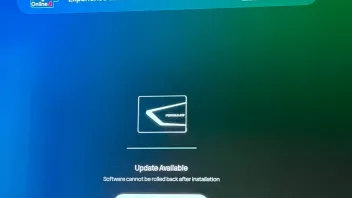
  • Have you tried running the beta update again?
    Go to the Updates section, enter the code 1339 to display the beta updates, and then start the installation if an update is available.

    That's what I did this morning, and it worked for me after two days of getting the same error message.

  • Have you tried running the beta update again?
    Go to the Updates section, enter the code 1339 to display the beta updates, and then start the installation if an update is available.

    That's what I did this morning, and it worked for me after two days of getting the same error message.

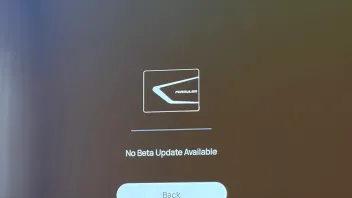
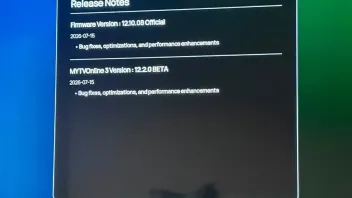
    I did, but I don't seem to be receiving the new 12.1.08 HOTFIX BETA.


  • When you click “View Details” on the banner at the top regarding MyTvOnline 4 on the BETA update page, what does it say?

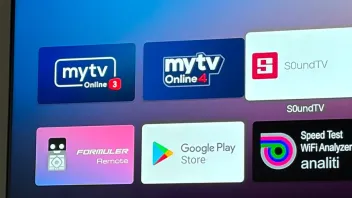
    It’s very strange that you managed to run MyTvOnline 3 and 4 at the same time.

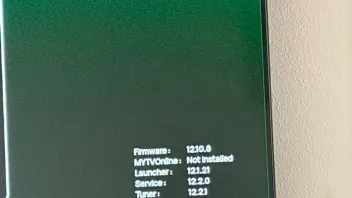
    I imagine there must be an issue with the software version that hasn’t been updated, but the MyTvOnline 4 version installed successfully. it just probably won’t launch because the software version on your set-top box isn’t the right one.

  • Hello everyone I just bought a z12 ultra and was going to install mytvonline4 but when I went to install it when I goses to reboot and install I get the green android man with error on it and it reboots and mytvonline4 is on the devices but will not open and know i am stuck and lost any info would be great as it is just a paperweight now

    thanks

  • Hello everyone I just bought a z12 ultra and was going to install mytvonline4 but when I went to install it when I goses to reboot and install I get the green android man with error on it and it reboots and mytvonline4 is on the devices but will not open and know i am stuck and lost any info would be great as it is just a paperweight now

    thanks

    I have same issue and also got the android error.

  • Hello everyone I just bought a z12 ultra and was going to install mytvonline4 but when I went to install it when I goses to reboot and install I get the green android man with error on it and it reboots and mytvonline4 is on the devices but will not open and know i am stuck and lost any info would be great as it is just a paperweight now

    thanks

    To factory reset the Formuler Z12 Ultra, use the physical FUNC button on the back of the device. Disconnect the power cable, press and hold the button while reconnecting the power, and release it when the logo disappears. (Remove also usb stick)

    Then, select Wipe data/factory reset from the menu.

    If not, sent it back for new one.


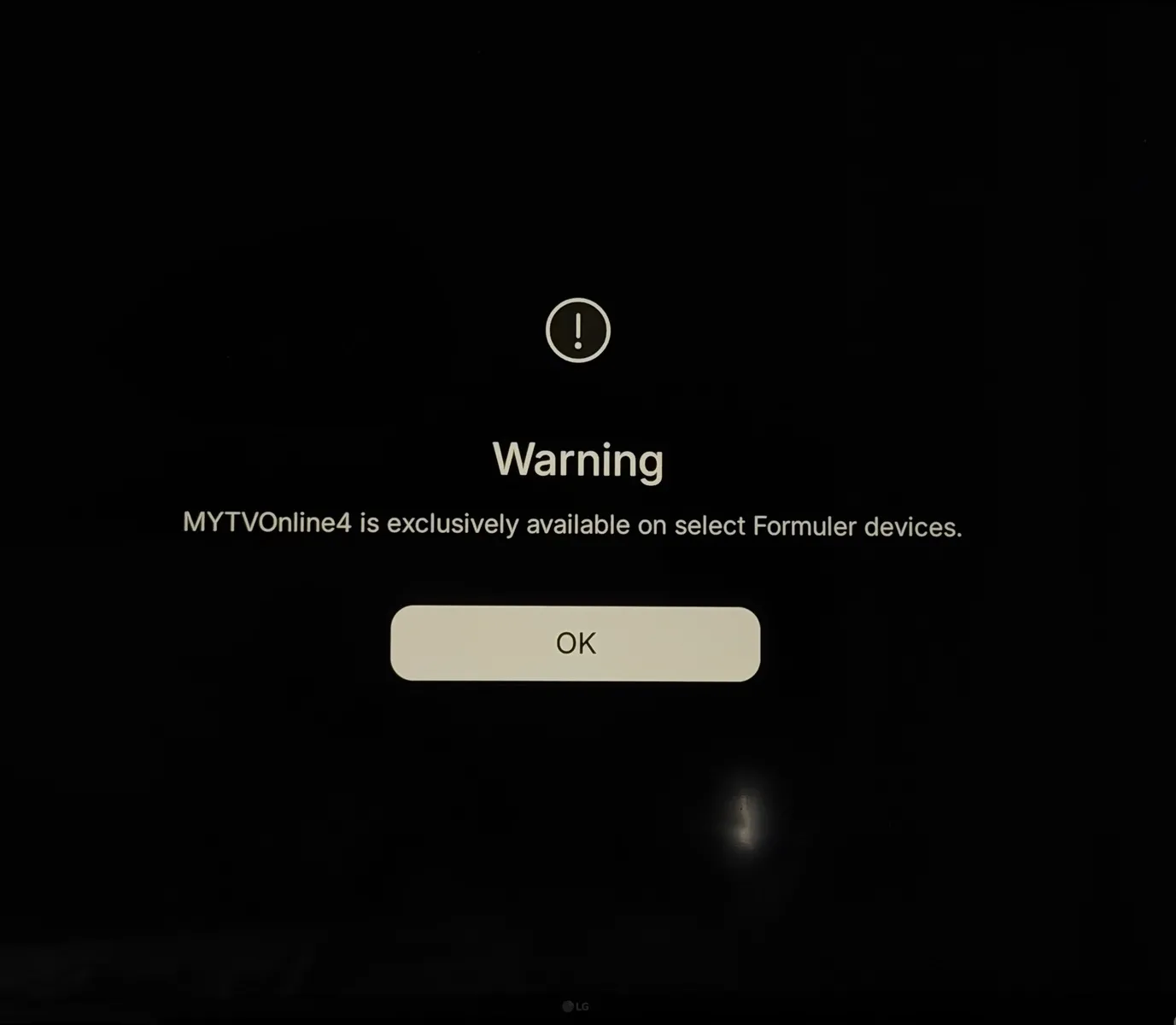
    Due software update errors it can happen. Some of you want to update to mol4, but the version of the launcher or service or firmware etc aren't right.

    That's highly like the problem just what Peter said, why mol4 won't show errors.

    Edited once, last by Lucky13 (July 16, 2026 at 1:47 PM).

  • how were you able to get both MOL3 and MOL4 installed? The launcher also seems like the old launcher with the old Formuler Remote app.

    I am not sure, I am just testing and providing feedback. Yes the formuler remote app has downgraded to the old version, how is that even possible, I also got the android error as huchters35 do you have any solution for me and others with same issue?

  • So what is the solution if there is any?

    I think it must fixed at Formuler's end.

    Let's wait for a (hot)fix.

    I think i know you tried it couple of times already and factory reset it too. So let's wait. Since beta 2 is open the post came online that i wouldn't install and other errors.


    Stay so long on mol3 till official message is posted from devs/staff or SAM.

  • So from what I am getting from this I have a paper wait tell formuler drop a update out that is not in beta as I get the error on mytvonline3 and mytvonine4 so I have to go find a different app to use thell then


    Thanks