Official Z12 Ultra Questions and Discussion thread.

We asking all new users to read the articles below, before creating their first posting or thread.

  • 4. Instruction Articles

    • Please note, in this forum are only English threads and postings allowed, without any exception!

      Please follow the forum rules, thank you for your understanding.

  • Myst13 On Z11 i can passthrough DTS and DTS-HD in plex without crash with android settings "automatic" and plex "HDMI passthrough" enabled. Even DTS passthrough on MOL3 works without stuttering now.

    It is possible, yes. As I was saying, I find that the Z11 Pro Max handled certain audio formats better than the Z12 Ultra :thinking_face:

    On MOL3 of the Z12, you either activate passthrough and get true Dolby Digital and Dolby Digital Plus, but then you end up with PCM 2.0 on the TrueHD, TrueHD Atmos, and PCM 5.1/7.1 soundtracks.

    Or you set the box to auto mode to obtain multichannel PCM for the TrueHD and PCM soundtracks, but then the soundtracks in Dolby Digital and Dolby Digital Plus also end up in PCM... Not those in Dolby Digital Plus Atmos, which remain unaffected.

    On the Z11 with MOL3, you could have true Dolby Digital and multichannel PCM at the same time.


    I will retest the DTS format on the Z11 Pro Max, but for me, it caused stuttering on MOL3 and on Plex as well. Are you sure that DTS and DTS-HD works well outside of Kodi?

    I believe I hadn't activated the passthrough mode on the Z11 in the Android settings because it was hidden in the developer options, which isn't convenient for beginners. :thinking_face:


    Edit :

    I just tried again on the Z11 Pro Max a file with audio in DTS and DTS-HD. Whether I set it to passthrough mode in the developer options or leave it on automatic, only the DTS file plays; the DTS-HD one doesn’t start at all.

    For the stuttering with the DTS file, it happens when the refresh rate adaptation is enabled in the Plex settings to set it to 24Hz.

    If I disable it and the file plays at 60Hz, there are no stutters, but it’s not normal that it doesn’t work with the refresh rate change enabled.

    The same goes for the resolution, which does not change whether the setting is enabled or not.

    Plex is not optimized for this box.

    Edited once, last by Myst13 (September 14, 2025 at 5:46 PM).

  • Hello everyone, I'm new to the Formuler lineup, though I've been using Nvidia Shield devices for quite a while.

    I got my Z 12 Ultra last week, and I've encountered a few glitches. Does anyone know of any solutions?


    Multiple times a day, while streaming on Plex or MyTv, the video shrinks to a tiny window in the upper left corner (check the attached photo). However, switching back to the guide or similar screens restores it to full size (but the live feeds on MyTV and Plex are still in a box). The only way I've found to resolve it is by rebooting the device. (This isn't an aspect ratio issue, that doesn't change anything)


    The second issue, which has only occurred once up to now, but the device suddenly stopped producing audio (despite not being muted), and I had to reboot it to restore the sound.

  • Hello friends, as I said in another post I have had my Z12 Ultra since yesterday and I have just been investigating the box itself, what caught my eye was the very beautiful and functional remote control but... where is the MUTE key that I can't find, I know my vision is bad up close ehehe, if anyone could help me I would appreciate it, because I don't want to believe that the remote control doesn't have a MUTE key.

  • Hello friends, as I said in another post I have had my Z12 Ultra since yesterday and I have just been investigating the box itself, what caught my eye was the very beautiful and functional remote control but... where is the MUTE key that I can't find, I know my vision is bad up close ehehe, if anyone could help me I would appreciate it, because I don't want to believe that the remote control doesn't have a MUTE key.

    5 dots on the remote at the bottom below the record button

  • Hello friends, as I said in another post I have had my Z12 Ultra since yesterday and I have just been investigating the box itself, what caught my eye was the very beautiful and functional remote control but... where is the MUTE key that I can't find, I know my vision is bad up close ehehe, if anyone could help me I would appreciate it, because I don't want to believe that the remote control doesn't have a MUTE key.

    In the Remote app you can set up the colored buttons and also the 4 button's at the bottom of the remote. I also think that the right button set to mute by default.

  • This is Formuler Forum!

    Please respect our Forum Rules and do not ignore them, read them otherwise such users will be banned!

    Stop to say to other user what to use and what not. You can here discuss about Formuler Boxes and not about other Brands and recommend other Brands to Formuler users.

    Thank you for your understanding.

  • Myst13 Yes, the AFR in Z11 is a mess in plex. That's why i first set to 24HZ and 23HZ (by going to developer settings) for each movie and i get all audio passthrough working without stuttering. DTS-HD might not work or be DTS-HD, but you can always fall to DTS core in those cases...

    On MOL3 if the file is DTS (not DTS-HD) it works without stuttering even with AFR enabled. It didn't in the past, it was after a couple of updates ago that they solved it or it was solved on it's own i guess. But yes, i remember DTS stuttering a bit...

  • I am a bit stuck trying to configure the remote of the z12: in the remote app (v2.0.1), I go to 'Setup IR Control' and try to reprogram the main vol+- buttons to those of my denon avr remote's. Sometimes it shows that the pairing was successful, other times not. In both cases, the main +- still does not control the avr's volume.


    The side vol buttons work fine to control the avr's=tv's volume, but that's far from ideal. Any ideas how to fix this?

  • Dunno if it’s just me but the gameday feature don’t work as good as z11 pro max fails to find the channels or fixtures unless do an advanced search tryna find football prem league channels n don’t work for me just says broadcaster info is not provided etc

    Were you getting a different result on the Z11 Pro? If you have both devices, could you test them at the same time?

  • Hi I received my box a few days ago Z12. I am not very technical, and don't know what to expect. Was using firestick with tivimate, and liked that could type with my phone, but wanted a better box. Spent ages researching, and received by amazon France,

    I find the remote control (love the backlit, for my bad eyes) good, but the, Voice button, badly packed , very close to the up button. I have not been able to pair my remote control, to my tv one, even though, I found my tv, and got the sound up, indication working. Manual was awful, and not showing the same method, as found on youtube, for older models. On the formuler itself, teh manual set up shows, putting top to top to program, and also just saying push the button, on the tv, on formuler site, shows a different way, neither worked. Also no set manual anywhere.

    On tivimate on searching for shows, the box restarts often, with message, no signal. We have fast fiber, and never had this before. Also annoying, as takes ages to type, then for a restart. It has also done this while watching a program, if this continues, will be sending back. Does anybody know of a bluetooth , keyboard, that would work with iphone?

    I also stupidly thought the formuler was wireless by connection, obviously my mistake!

    I would also liek to know, what people think of my mytvonline3, to tivimate, as I can't put my same code in both, to test. Any advice very welcome

  • I’ve already received my Z12 Ultra, and within an hour I had reported it for return on principle. Who on earth thought it was a good idea to put the volume buttons on the side? The main volume buttons only work with your own system in IR mode. Nobody wants to change the box volume. Nobody! The device itself is fine, nothing more, but the remote is a complete joke.

    I’m a little confused by your experience here because I don’t seem to have an issue?

    Box sound is perfectly fine so I don’t see why there is such hate towards it.

    I’ve used the remote app to sync my soundbar with the side buttons if I chose to use that instead of box sound?

    I expect the option for both choices is by design and it’s not a bad design really.

    Why such importance to control device volume from the main buttons on the keypad? I’m genuinely interested in the perspective here.

  • It was in reference to it's performance in MYTV3. I've posted a short youtube clip if you search Formuler Z12 Ultra Testing Results where you'll see it takes almost 40 seconds to bring up the list of other categories in MYTV3 and shift back again to the channel list.

    In the same context as Sam replied, I too haven’t experienced this issue.

    Maybe if not done so already (I haven’t read all posts) but you could backup your MTOL3 setup, uninstall Mytvonline and reinstall it from Market app, restore settings and see if that cures your issue.

  • Hello friends, I hereby come to give an opinion if it is possible for the men of the Android writing of the Z12Ultra the weather App should give the possibility of manually changing the location configuration, the other idea was for the Icon to appear on the screen when the box is turned on and not in the Start menu only as it is, because if we turn on the box daily we go to the last channel seen and we never have access to the weather application. Strength to all the developers of this Z12 Ultra and the other Formuler boxes for their work, we will try to improve these boxes more and more as they are not cheap.

  • does the z12 have the ability to run a built-in SMB or FTP server that can share folders from an attached USB drive over the local network... in other words i would like to transfer files from my laptop to the usb plugged into the z12 ultra over smb

  • does the z12 have the ability to run a built-in SMB or FTP server that can share folders from an attached USB drive over the local network... in other words i would like to transfer files from my laptop to the usb plugged into the z12 ultra over smb

    No smb build in, but...

    File manager plus app can make an ftp server.

    File Manager - Apps on Google Play
    Fast, easy-to-use and full-featured file manager app with cloud integration.
    play.google.com

    Try it.


    I have a raspberry pi 5 with ssd attached to it. And with file manager plus app i can connect via that app and smd to my NAS storage.

  • In terms of the remote control, I have to say I really like it.


    I was skeptical before I held it because of the new shape but it’s really nice and comfortable, very ergonomic.

    Well thought out.

    Button controls are smooth, the right proportions to keep the remote comfortable to use.

  • Can someone explain what 'match content framerate' in display settings does? Can't work it out. Want to get proper frame rate in plex, bur read the option in plex doesn't work well. Is it to do with this option on at the same time maybe?

    I assume this works like AFR for VOD but relative to Live TV?

    I could be wrong about that of course but with the option on or off I haven’t yet noticed a different but I’m sure it will become more apparent if the option is for something else.

    it could also be to handle stutter between players like Kodi, VLC etc?

    for those who would like to know where the option is for testing, it’s in (Formuler) Display Settings

  • is it on 24/7?

    I tried something like that on CX File Explorer but I have to be there to turn it on and when I exit the App, it gets turned off.

  • Hello everyone,

    I'm writing to share my experience with the new Z12 Ultra. I've encountered several issues so far.

    First, the remote control is too heavy for me. I found a solution by switching back to my old Bluetooth remote, which is much lighter and more comfortable to use.

    I also have problems with the decoder constantly disconnecting. I have to restart it to get it working again. The sound keeps cutting out, and it seems other people have this issue too.

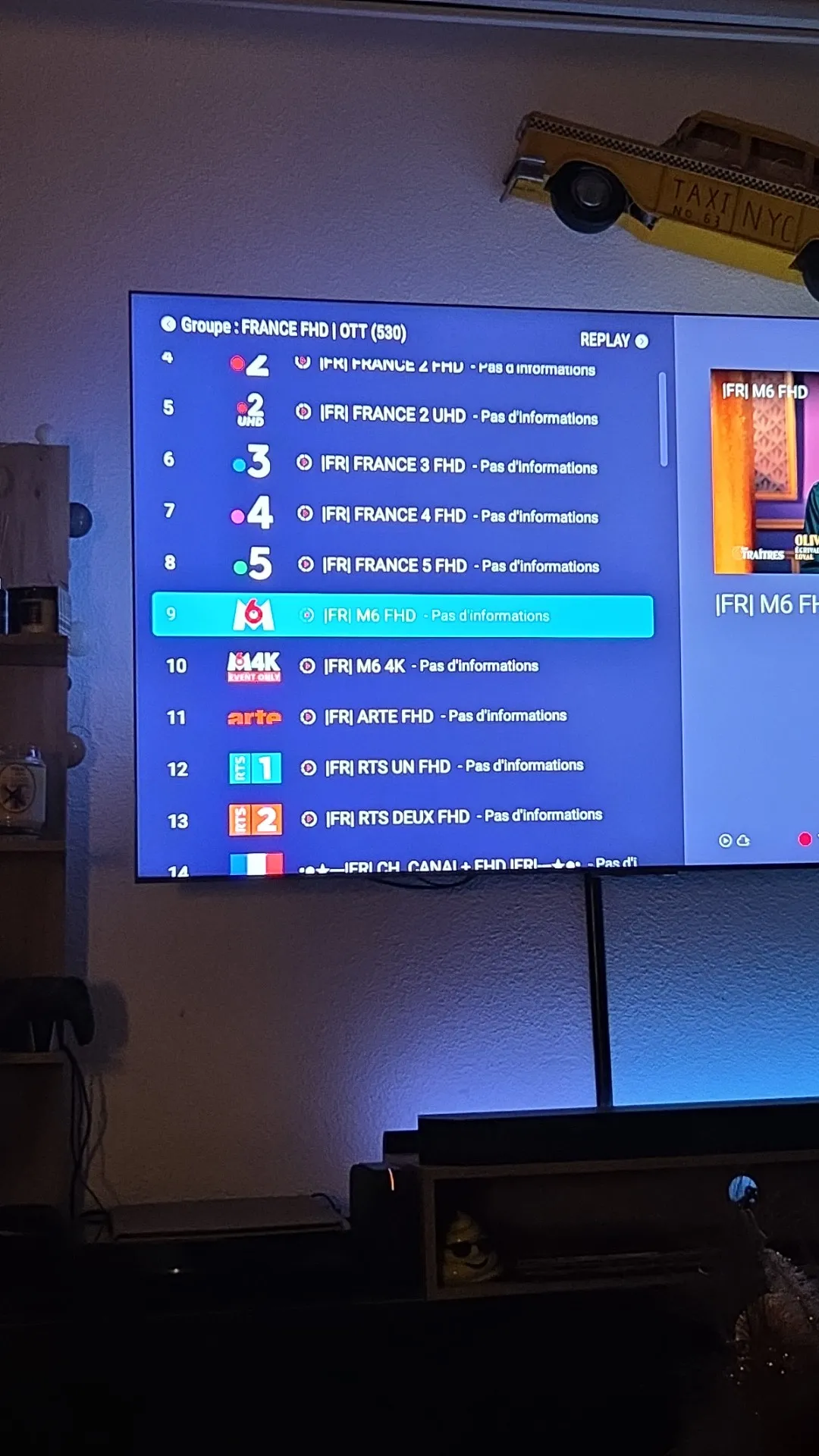
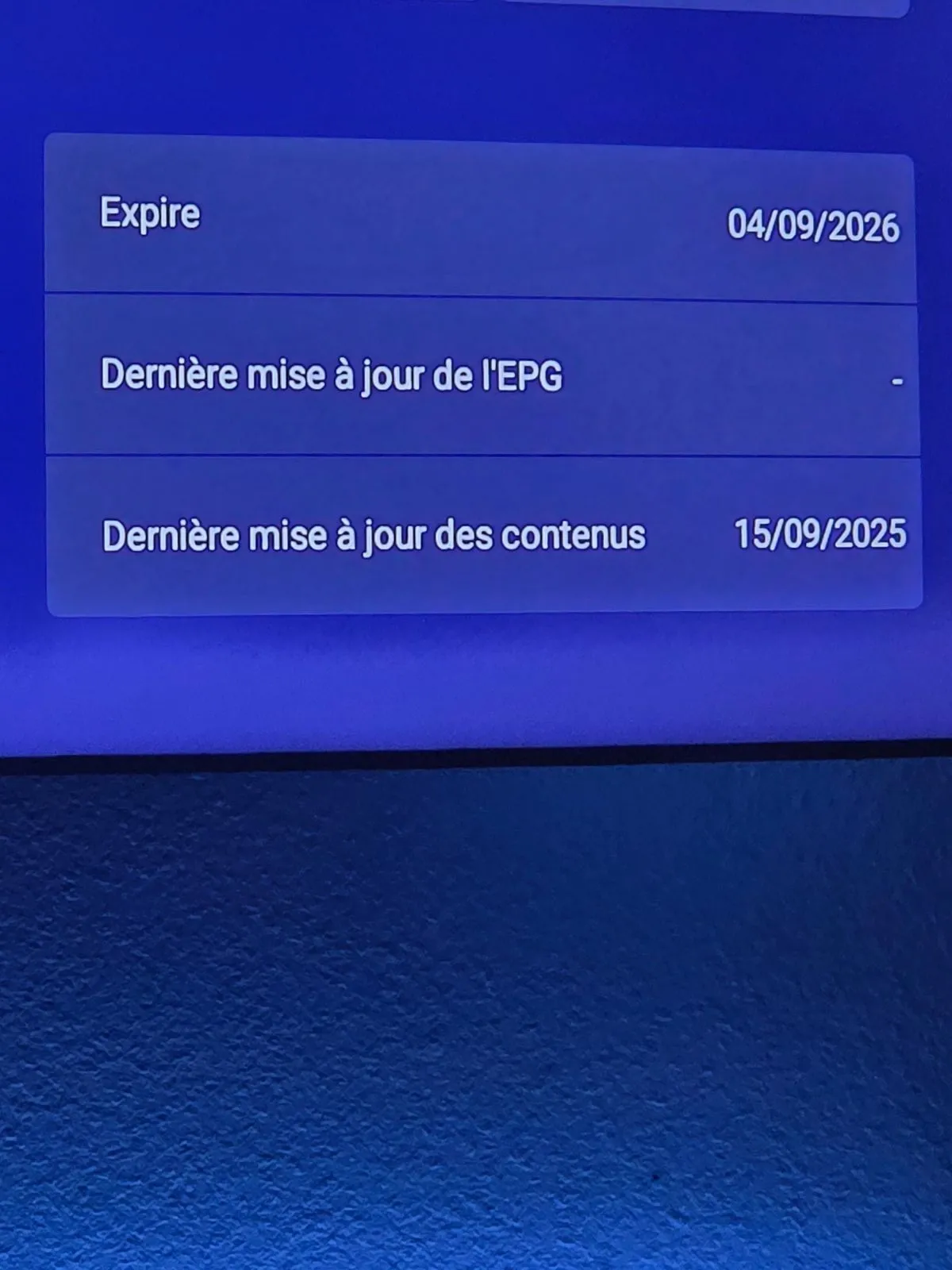
    There's a problem with the EPG. The programs aren't displayed for the channels, so I have no information on what's playing.

    Finally, I also had an issue where my decoder suddenly went to a very dark color. The only way to fix it was to restart the device

    Please fix these issues as soon as possible, as they are very annoying for a device that costs 189€. I hope the developers can find a solution quickly.

    Thanks for any help or information on these issues! :winking_face:

  • Ate you on xtream codes connection?

    Do: menu, Contentmanager, edit your provider, change epg interval to 3 hour. Then do apply at bottom and then do the refresh button?

    You know, refresh your content.

    Edited once, last by Lucky133 (September 15, 2025 at 9:12 PM).

  • In terms of the remote control, I have to say I really like it.


    I was skeptical before I held it because of the new shape but it’s really nice and comfortable, very ergonomic.

    Well thought out.

    Button controls are smooth, the right proportions to keep the remote comfortable to use.

    Is there a possibilty of covering the remote with e.g. some rubber sheet,for preventing damage in case of droping it to the floor?

    As i understood the remote of the z11-BT1 has such cover:smiling_face: