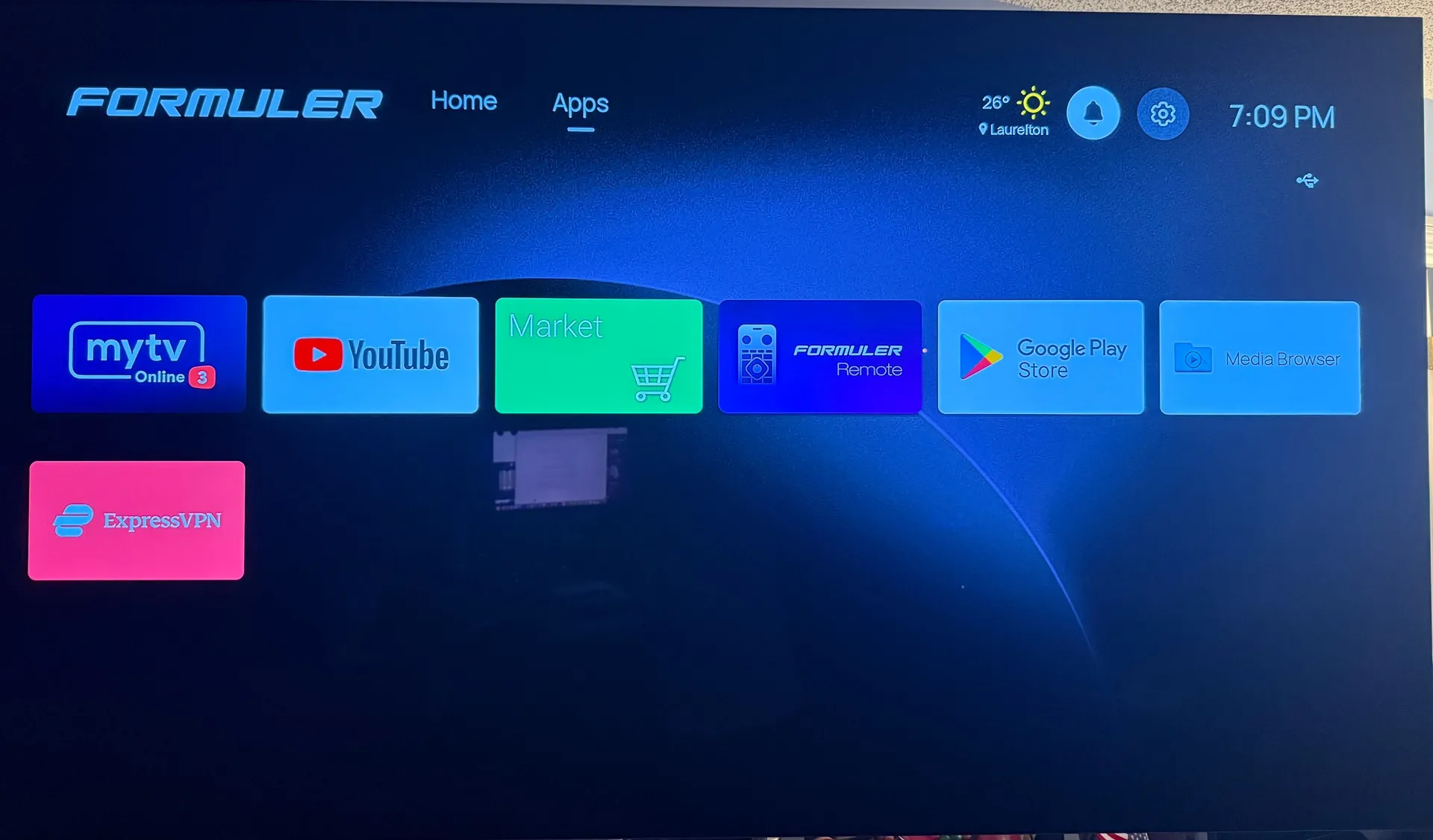
Official Z12 Ultra Questions and Discussion thread.

We asking all new users to read the articles below, before creating their first posting or thread.

  • 4. Instruction Articles

    • Please note, in this forum are only English threads and postings allowed, without any exception!

      Please follow the forum rules, thank you for your understanding.

  • AFR:

    I don't think AFR works very well in the Z12 Ultra, I would like to know what settings are recommended. In the Android system's "Device Settings" - "Display and Sound" - "Match content frame rate" I have selected "On".

    Inside MOL3 I have selected Automatic Frame Rate (AFR) on TV, VOD and TV Series but I am not satisfied with the AFR result anymore, the picture becomes black for a second when switching from Live TV to VOD and it also takes longer when changing channels.

    I run Formuler GTV before I bought the Z12Ultra and AFR works there without problems.

    I've only had the Z12 for a couple of days, most things run smooth, but the AFR doesn't work as intended. I have the same settings as Yga, wich should indicate that match frame rate is on, both in the android settings and in the MOL3, but I have to change resolution settings manually. The Z12 doesn't change from 50hz to 23,967hz when content changes, or the other way around, resulting in stutter when content resolution changes. The TV should support it, because the Shield I used until 2 days ago did it flawlessly.

  • I've only had the Z12 for a couple of days, most things run smooth, but the AFR doesn't work as intended. I have the same settings as Yga, wich should indicate that match frame rate is on, both in the android settings and in the MOL3, but I have to change resolution settings manually. The Z12 doesn't change from 50hz to 23,967hz when content changes, or the other way around, resulting in stutter when content resolution changes. The TV should support it, because the Shield I used until 2 days ago did it flawlessly.

    Beware that your tv must support qms. If not, turn of AFR.

    than you don't have that black screen for 2 seconds.

    Edited once, last by Lucky133 (October 1, 2025 at 1:02 PM).

  • Beware that your tv must support qms. If not, turn of AFR.

    than you don't have that black screen for 2 seconds.

    The black screen for a short time is not the problem. And yes, my LG OLED TV doesn't support qms, and I understand that this is an issue. But as I said; the Shield switched flawlessly between 50hz an 24hz connected to the same TV depending on the content, but the Z12 ultra doesn't. Are you saying that unless the TV support qms AFR isn't possible at all? Anyway; I don't see how turning off AFR sholuld solve this problem? I tried regardless, disabled AFR both in the Android settings and in the MOL3 settings, but as I anticipated that doesn't solve anything.

  • Can anyone help me?

    I have Formuler Z12 Ultra, Onkyo TX-RZ50 and a LG webOS TV OLED65C15LA.

    I only use MOL3 to watch tv,vod and series.

    Whats the optimal settings for this set to maximize the sound?

    Regards.

    The z12 set standard the audio settings to automatic in android settings i saw.😃 So all sound whats supported goes to your onkyo.

    You can check android settings for sure, but i didn't know what else you can do to maximize the sound?

    Is there maby an onkyo app or setting on onkyo remote to use an equalizer?

    Is that what you mean with maximize your sound?

    Edited once, last by Lucky133 (October 2, 2025 at 4:36 PM).

  • The z12 set standard the audio settings to automatic in androidsettings i saw.😃 So all sound whats supported goed to your onkyo.

    You can check android settings for sure, but i didn't know what else you can do to maximize the sound?

    Is there maby an onkyo app or setting on onkyo remote to use an equalizer?

    Is that what you mean with maximize your sound?

    Thx a lot.

    I was just checking the settings in Formuler about sound,passthrough and so on.And i´m not so wellknown about all this features so.......... But big thank you.:smiling_face:

  • The black screen for a short time is not the problem. And yes, my LG OLED TV doesn't support qms, and I understand that this is an issue. But as I said; the Shield switched flawlessly between 50hz an 24hz connected to the same TV depending on the content, but the Z12 ultra doesn't. Are you saying that unless the TV support qms AFR isn't possible at all? Anyway; I don't see how turning off AFR sholuld solve this problem? I tried regardless, disabled AFR both in the Android settings and in the MOL3 settings, but as I anticipated that doesn't solve anything.

    I only say afr can be used with or without qms.

    But with older models i didnt like it that 2 seconds black screen so i turned it off.

    Only for vod and series i had it on.

    With my z12 the afr is on and no more 2 seconds black screen so im very happy.


    That the shield of you had no problems with switching, i cant answer that. This is a formuler forum and i don't know anything about the shield. maby an other user have the answer you want.

    Have a nice day👌🏻😃

  • In your last reply you wrote: "Beware that your tv must support qms. If not, turn of AFR"

    I didn't understand that this meant that afr can be used with or without qms.

    But I do understand that this is a formuler forum, it's even named that way. The only reason I mentioned an other brand was that when something works on an other (older product) I guessed it would work on an Z12 wich is an outstanding product. And to illustrate that the lack of qms on the TV can't be the only reason why the afr doesn't work for me. I suppose it will work eventually, but I didn't figure out how, and that's why I asked for help. But thanks anyway :smiling_face:

  • Thx a lot.

    I was just checking the settings in Formuler about sound,passthrough and so on.And i´m not so wellknown about all this features so.......... But big thank you.:smiling_face:

    No problem my friend.


    The app kodi has also passthrough option. But for "beginners" is kodi a bit difficult to find the setup things.

    Start app kodi, setting, system, audio and then passthrough somewere. And then put all on almost. Only the 2nd passthrough sound not.


    But if you want to know it open thread.

  • Had my Z12 a few weeks now and its still randomly disconnecting from any internet connection on a very frequent basis and only a reboot fixes the issue. Its especially bad when using a VPN if you change server the box becomes unresponsive and you cannot connect again without another reboot also when you’re not connected to a VPN, the VPN menu key will still be shown and the box just hangs.

    My old Z11 Pro does not behave in this manner hopefully there is a Z12 software fix coming soon to fix all these little bugs.

  • Overall the box works flawlessly,the only thing i noticed is an increased time lagging when zapping through live channels (AFR is off) and i use vpn,compared to my Z11promax.

    It esp. seems to occur when i switch from UHD channels to hd channels:winking_face:

  • Mine recorded 7 shows over the past 2 nights with TV off, no problems

    I hope these issues are sorted,I'm sure they will, it still annoys though why manufacturers (not just formuler) release top end products with operating issues as this ultimately results in poor reviews which then results in lower sales.

    I still think this Z12 will be excellent 👌

  • Hi, why can't I see my Z12 Ultra box on my network? The box is hard-wired,

    You can find it with spotify etc.

    If you want to find it in network with a pc/laptop, you should download "file manager app" in playstore.

    With that app can you setup a ftp connection.

    And via pc you can files transfer to box.

    BUT I NEVER TRIED IT MYSELF!

    I have a raspberry pi 5 with nas-software with ssd do watch movies over network.

  • Where do I start, current firestick user, looking at these boxes, right now I use downloader app to download apps like lemo iptv, once I have app I click on it and use it, my questions are can I do this same thing with formuler box or do I use my online tv app that im reading about etc, only experience I have is with firestick, hopefully this is correct place to ask, thanks

  • Where do I start, current firestick user, looking at these boxes, right now I use downloader app to download apps like lemo iptv, once I have app I click on it and use it, my questions are can I do this same thing with formuler box or do I use my online tv app that im reading about etc, only experience I have is with firestick, hopefully this is correct place to ask, thanks

    I can highly recommend the Formuler boxes....especially the Z12 Ultra that I have just installed. I have used them for some years now. The MOL (MYTVOnline) app is the Formuler proprietary iptv app-built in to the box. Latest version is MOL3. Again I would highly recommend for a beautiful and easy to use interface. The Formuler boxes come with Google play store installed so yes you can install apps using downloader. As a streaming box I would say Formuler is one of the best on the market.

  • So I run my current apps i subscribe to through or with mol3 not on their own like I currently do?

    You would run your apps on their own...they will show up on the home screen MOL3 is just an iptv player that you add your iptv sub(s) to...

    Gentle reminder this is the Z12 Ultra thread so general questions should be asked in the relevant threads...just a user advice...

  • Hello, is the switch from a Z11 Promax to a Z12 Ultra wise at the moment or are there still many problems that need to be solved?

    Difficult to answer unless you have a crystal ball,if it goes like the z11 it may take up to 1-1.5 years of updates to get everything right and stable.

    However,considering the quick FW update and the already announced future updates,i believe max energy of devs, is put in new ultra and things may advance much quicker:smiling_face:

  • Difficult to answer unless you have a crystal ball,if it goes like the z11 it may take up to 1-1.5 years of updates to get everything right and stable.

    However,considering the quick FW update and the already announced future updates,i believe max energy of devs, is put in new ultra and things may advance much quicker:smiling_face:

    Your telling me that a new box won't be fully fixed for 1/1.5 years? That's totally unacceptable lol so it will be fixed just in time for new hardware being released ?

  • Your telling me that a new box won't be fully fixed for 1/1.5 years? That's totally unacceptable lol so it will be fixed just in time for new hardware being released ?

    I stated that i expect that the ultra will probably be fixed much earlier then the z11,as much of the FW/SW is comparable to the z11 and z mini,but it will always take time to debug the box,and OTA updates are a strong point of Forrmuler boxes.

    I bought my z11pm in november 2022 and that results in the issues that come with being an early adopter:winking_face:

  • I've had the Nvidia pro for years and that still has major bugs, so I think just pick one that suits your main use. In my case an IPTV box that has built in recordable storage and is a reliable IPTV pvr. my Nvidia has a habit of destroying usb drives

  • Have had Z12 for a bit now, got to say it is a real mixed bag for an android box. the picture quality for iptv easily beats Z11 pro max ( I do own one and many other well known boxes ) At least on my setup and the z12 running in 1080p

    All sound fields work great including true HD at least for kodi.

    720P does not seem to be native to the box,

    Dolby vision and HDR 10/all HDR Color spaces limited to RGB 444 8BIT it is literally the only color space, this is reported by the z12 itself and backed up by my tv.

    I have had on 2 occasions Antenna ASTC 1080p NBC channel just change to Dolby vision for no reason. (not repeatable just happens)

    Would like to see more control over remote volume buttons.

    MOL 3 cannot switch to HDR modes if display mode is set to 1080p, Kodi has no problem with this.

    When watching a channel and press info month is missing from the date

    But once again i run my box 1080p 60 with YCbCr444 10Bit on a real 120 HZ panel capable of Dolby vision and HDR10+ And i find the picture quality for iptv 1080/720p to be fantastic with no buffering so far, have had a little looping but not a big deal.