MYTVOnline 4 Beta Upgrade now available for Z12 Ultra

We asking all new users to read the articles below, before creating their first posting or thread.

  • 4. Instruction Articles

    • Please note, in this forum are only English threads and postings allowed, without any exception!

      Please follow the forum rules, thank you for your understanding.


  • 28.April.26 - Limited Beta release ended!


    We’re launching a limited Beta release of MYTVOnline 4 for Z12 Ultra devices.

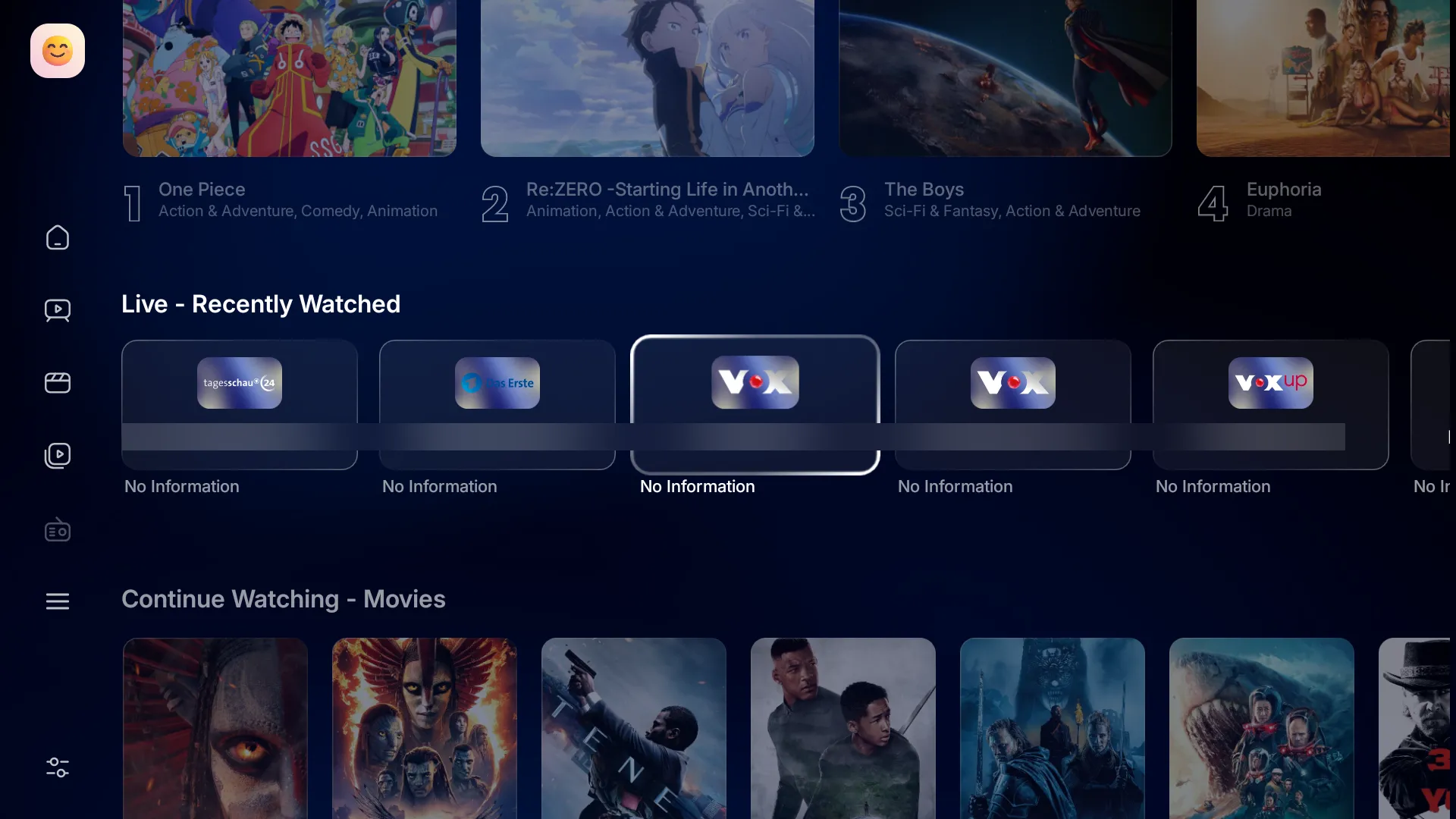
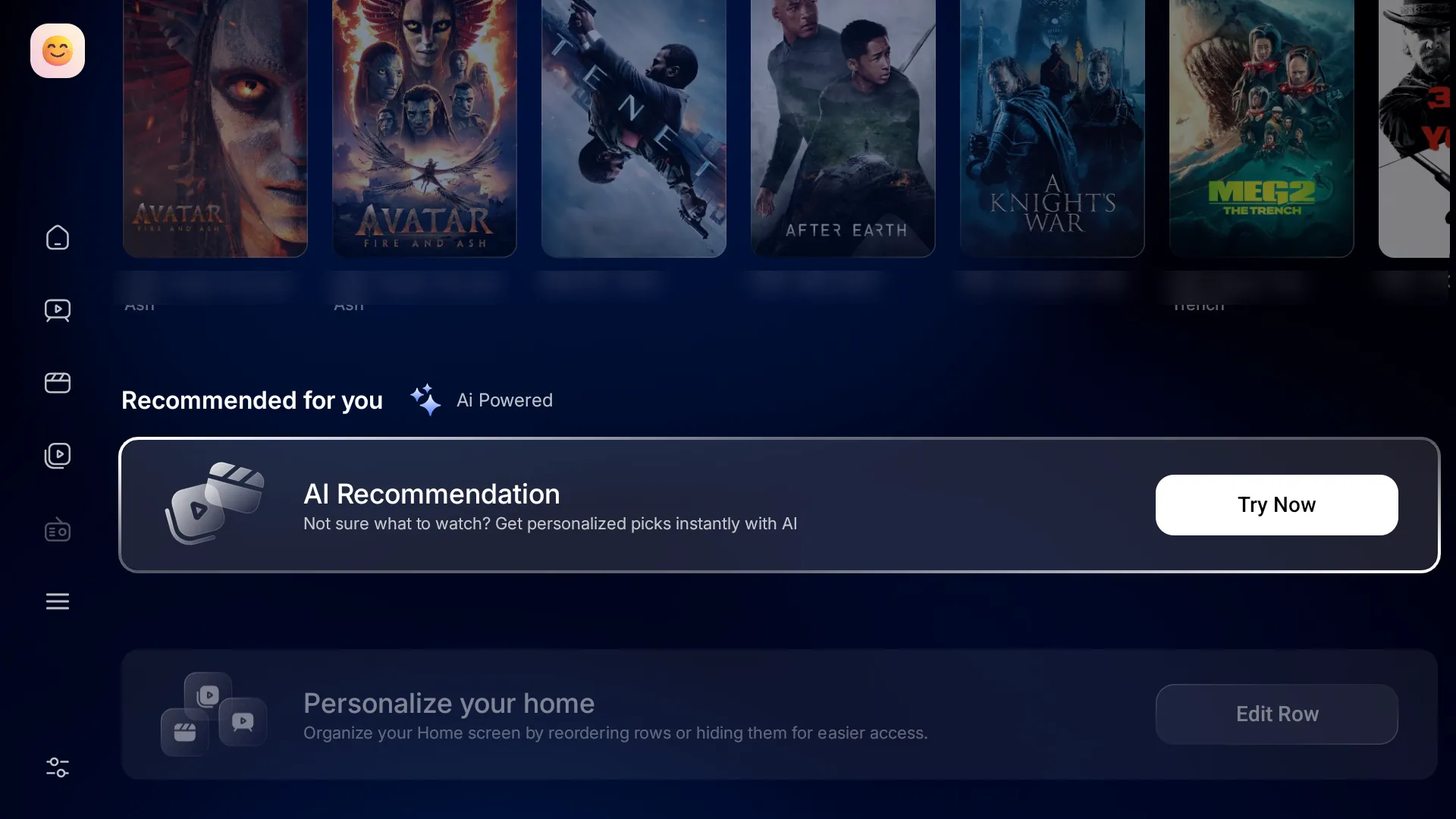
    With this Beta, MYTVOnline 3 will be upgraded to MYTVOnline 4—bringing a refreshed UI and a range of new features. We’re inviting users who want early access to try it out and share feedback.

    What’s new:
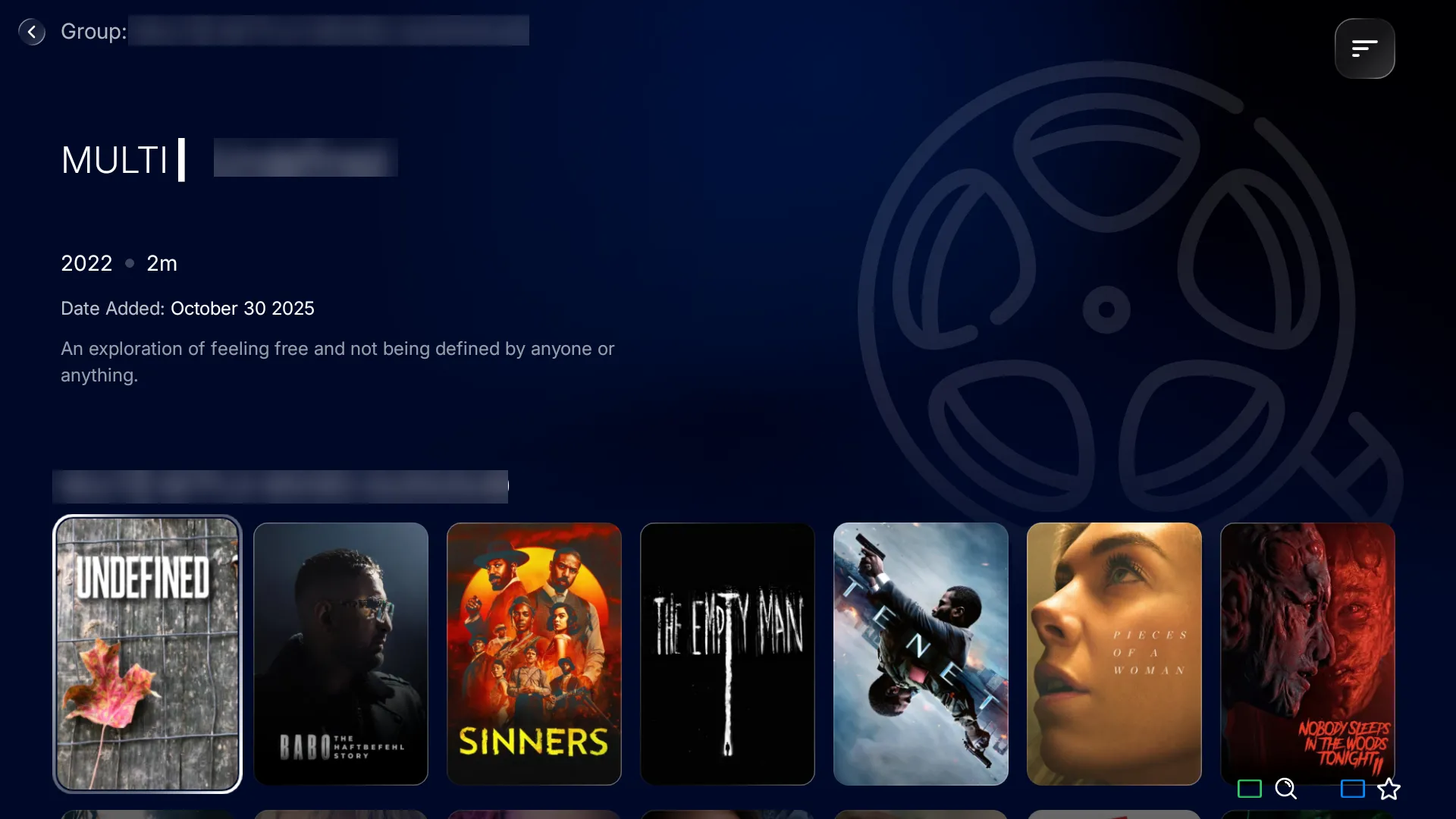
    ✨ Redesigned Home (Trending, Recent & Favorites)
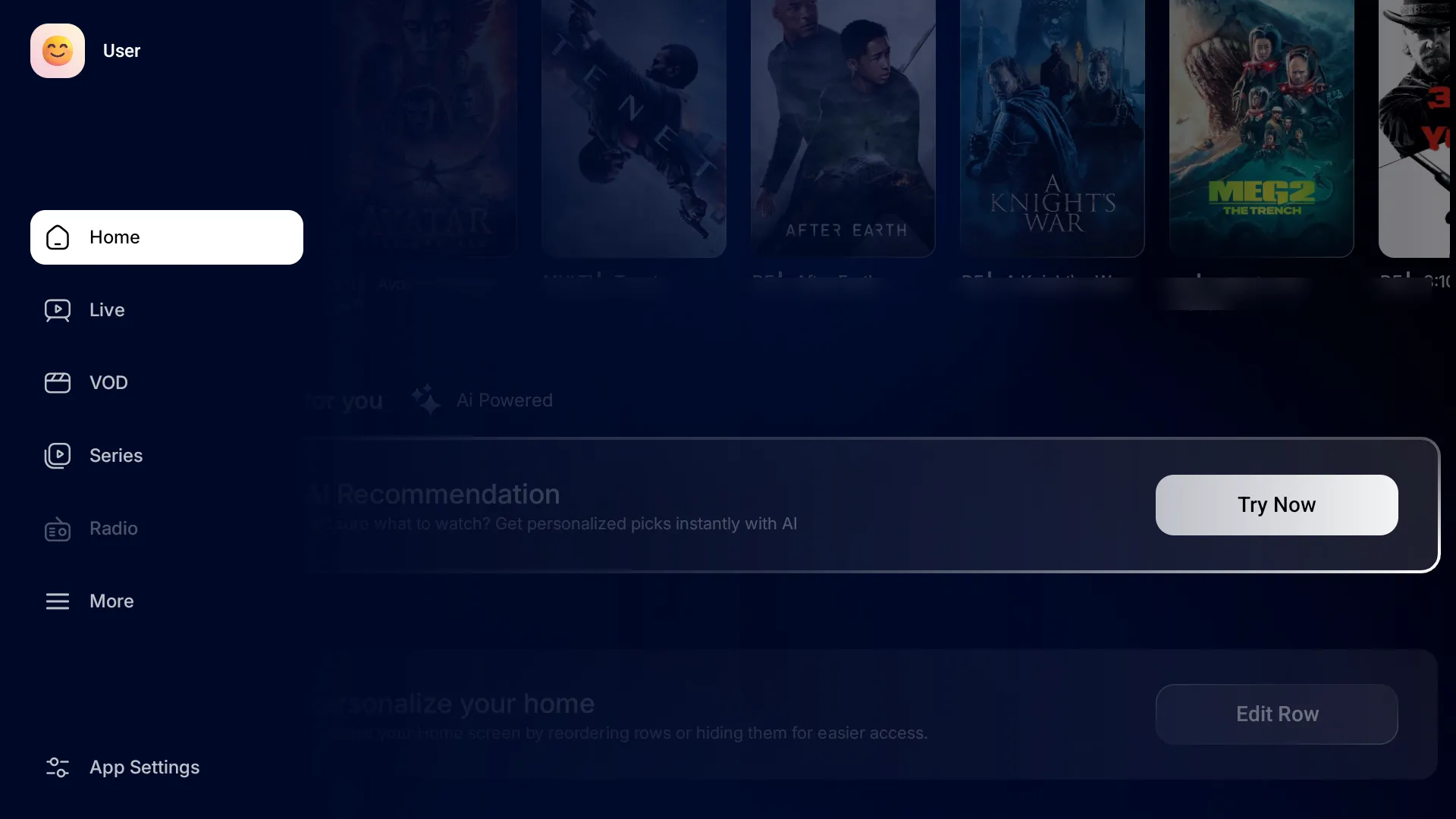
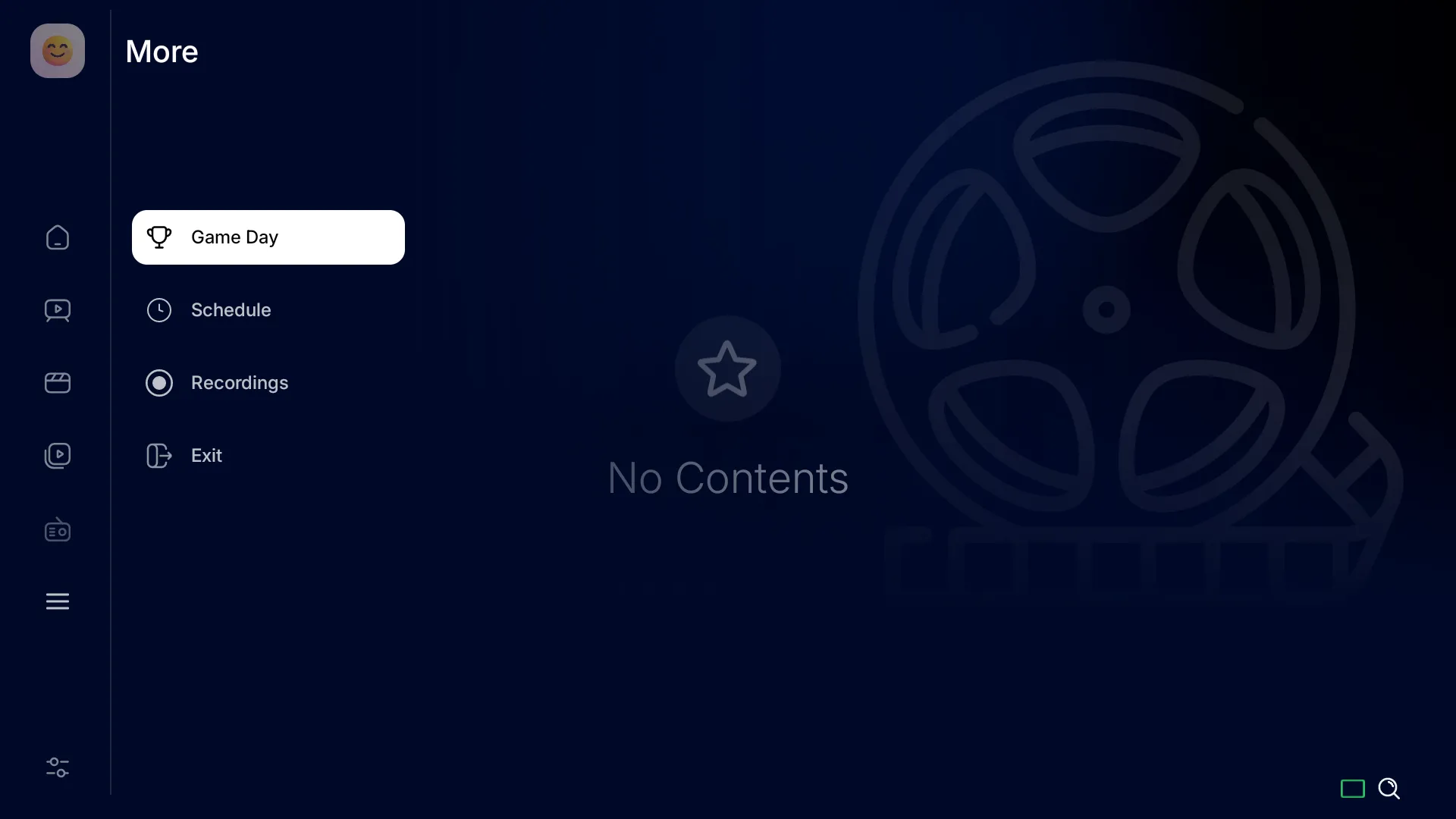
    👤 Multiple user profiles
    ▶️ Custom start screen (Home, Live TV, VOD, TV Series)
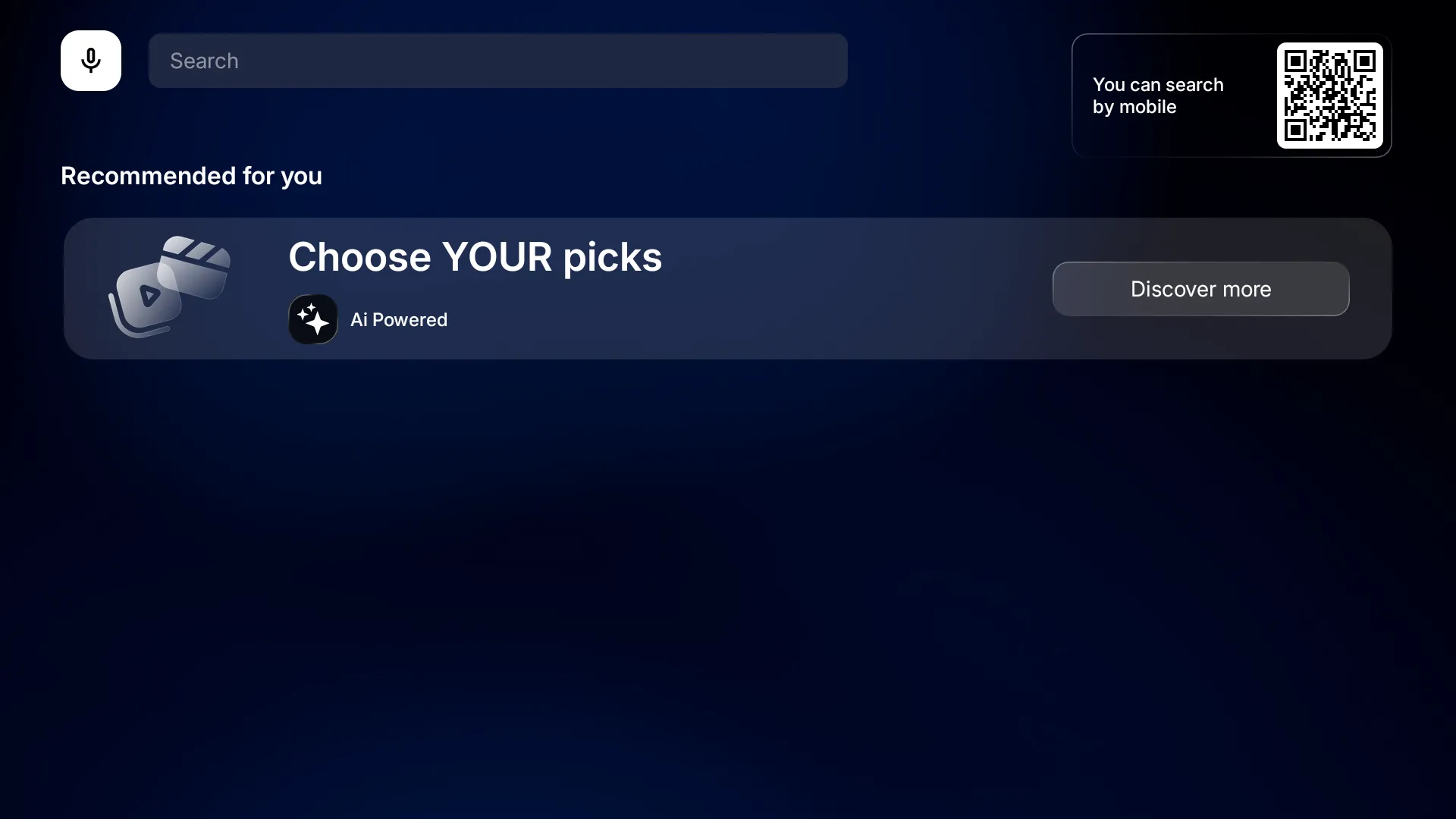
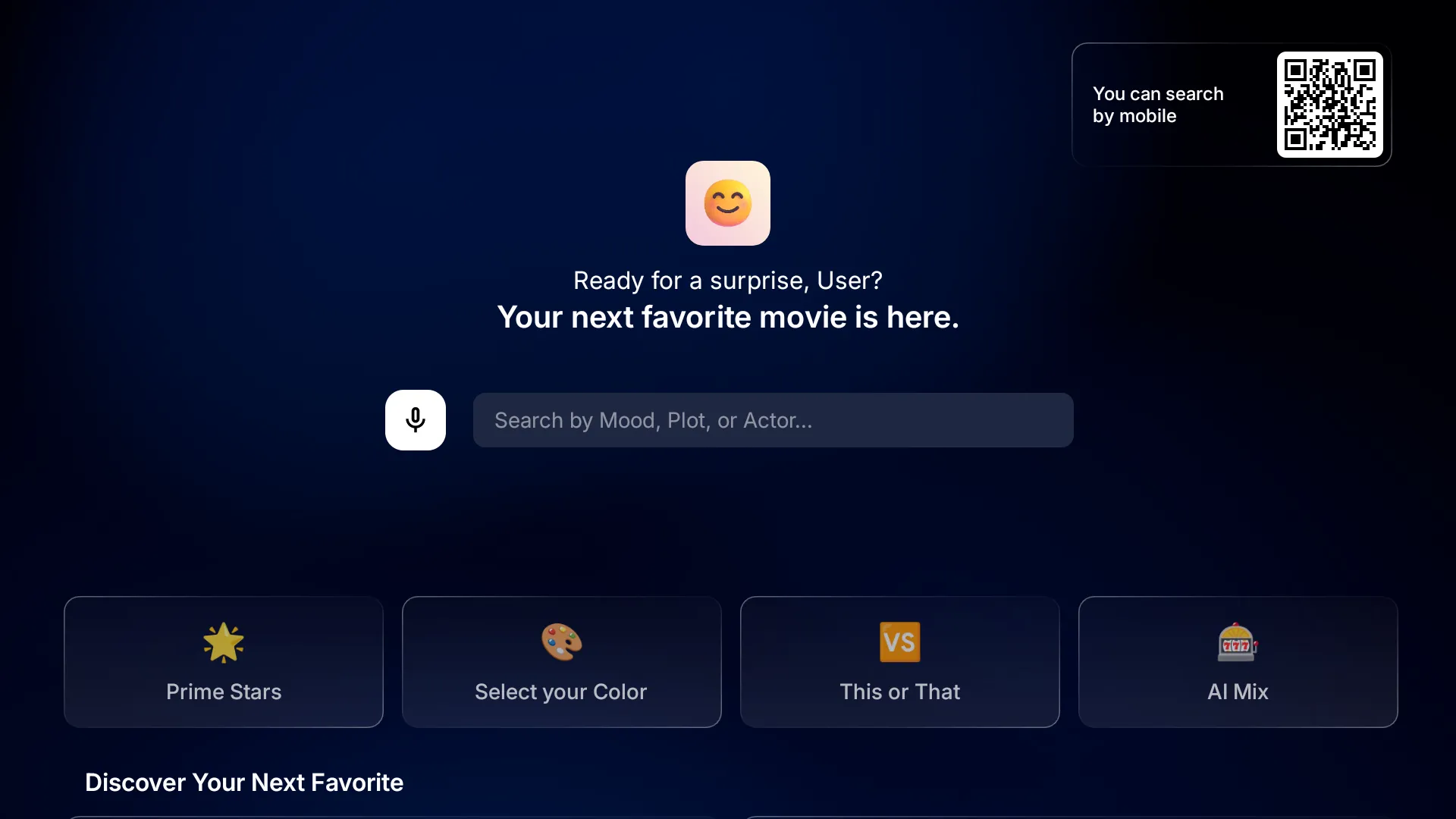
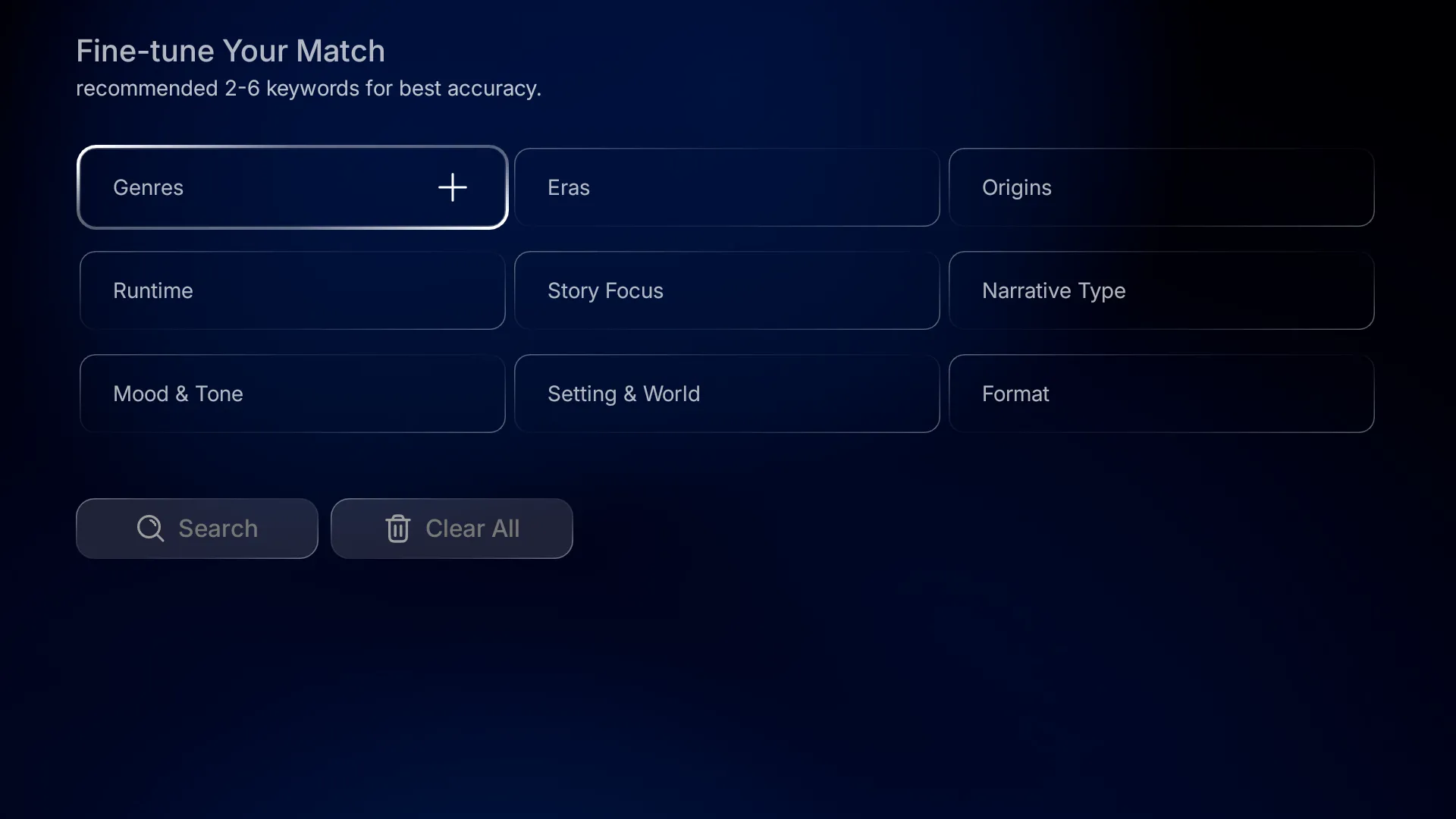
    🤖 AI-powered movie search
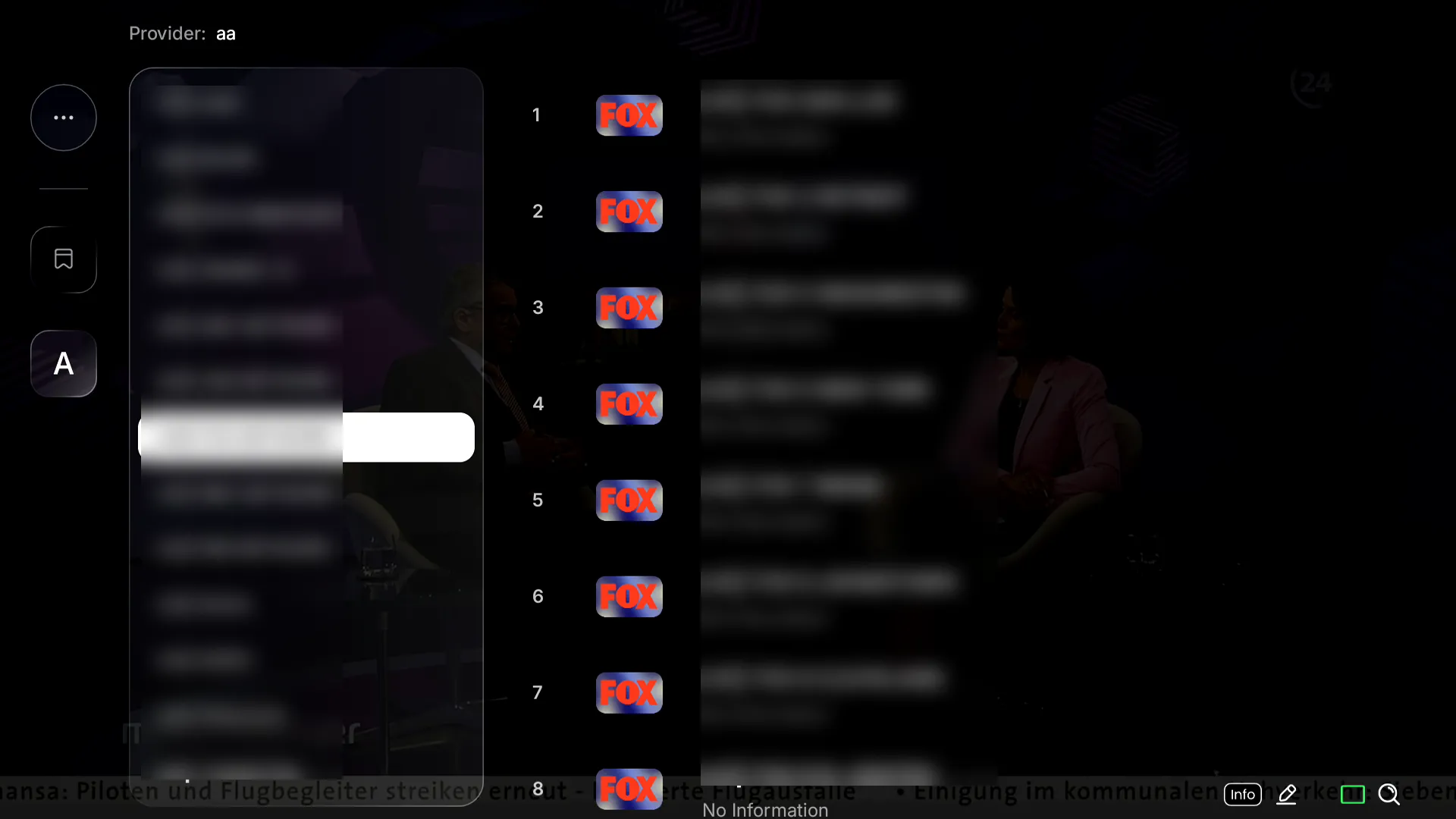
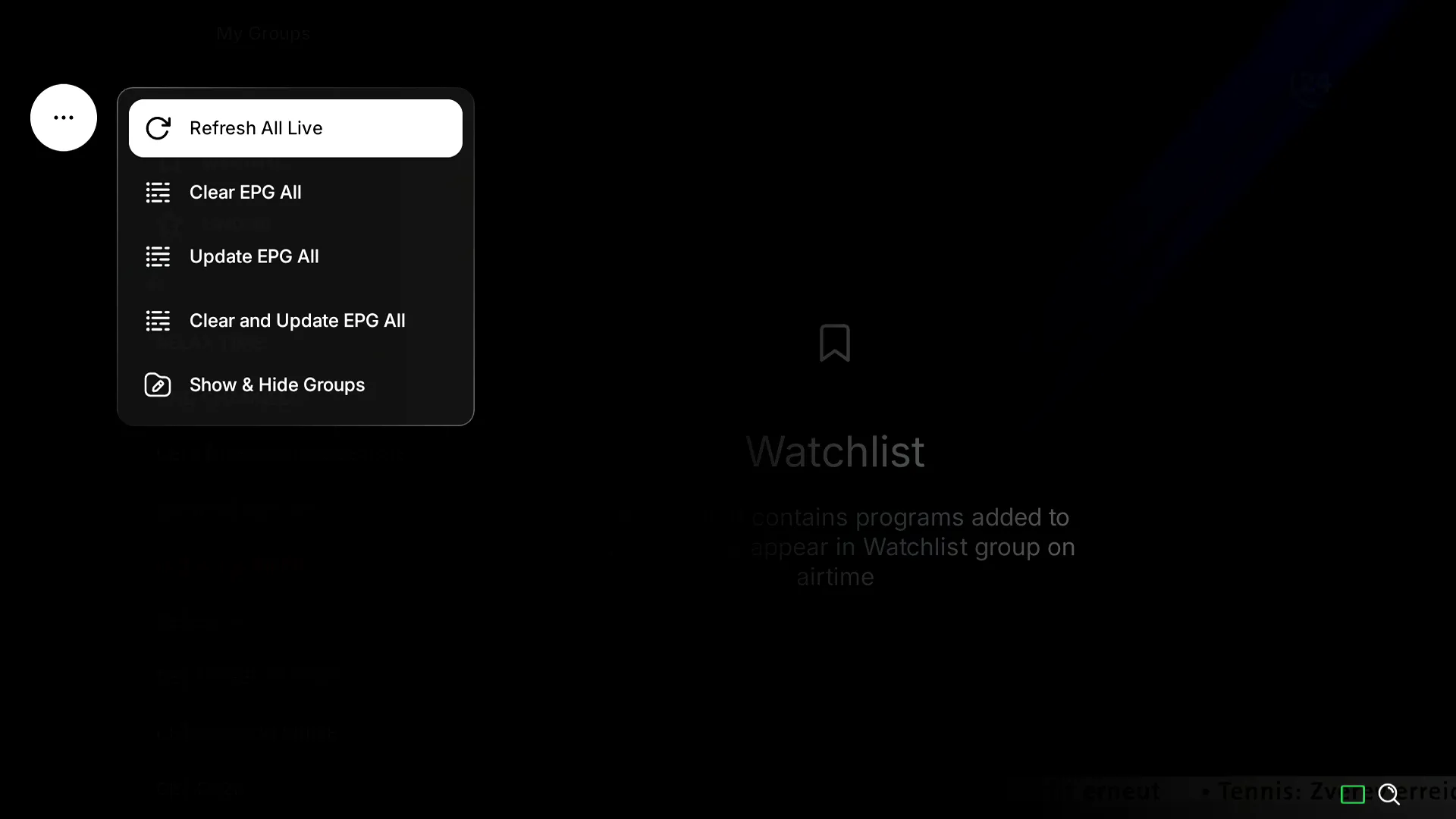
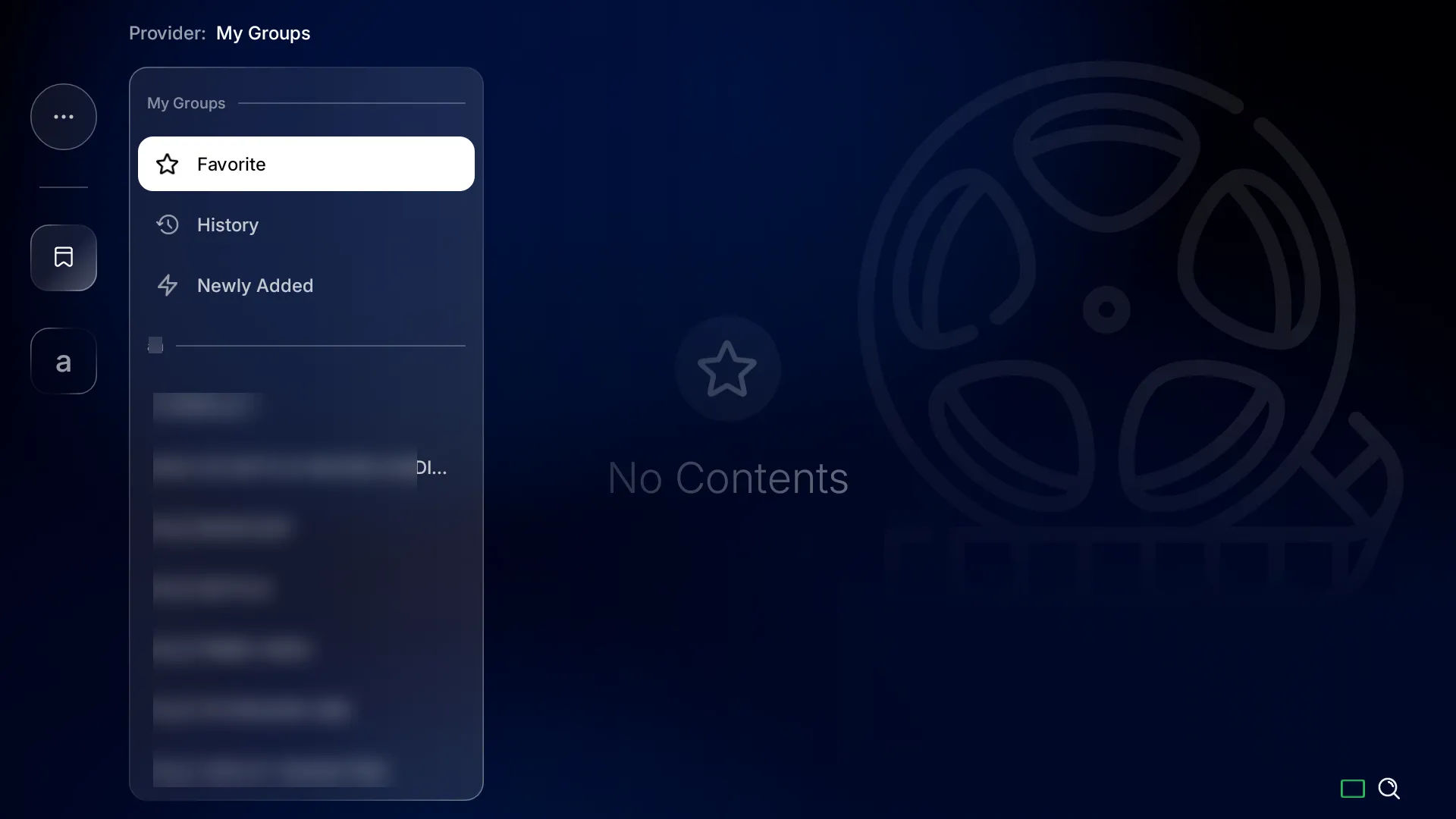
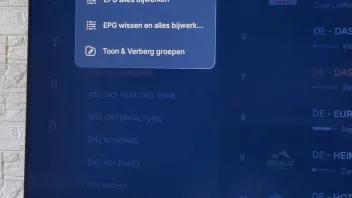
    ⚙️ Enhanced group management
    🔄 Faster refresh & improved playback


    * Additional improvements are included throughout the app.

    This is a Beta release, so some features may be incomplete or subject to change. Your feedback will help us refine MYTVOnline 4 ahead of the official release.


    * Please note that once installed, you will not be able to return to MYTVOnline 3.


    ---------------------------------


    HowTo Install:

    Home Menu -> Software Update -> press "1339" -> chose MOL4 View Details -> Upgrade

    The install process and reboot works automatically! Please don`t turn off the box or plug out the power supply, could damage the box. The reboot after update needs always much longer than usual, please be patient and let the box finish the install. If necessary reboot later once again.

    MYTVOnline 4 Beta discussions only in this thread here! Other open threads with Beta issues will be deleted instantly!

    We need to collect data and feedback's on one place, thank you for your understanding.


    ---------------------------------

    Important for user that didn`t install the Upgrade yet. Please, let the box in peace to download , install and update everything needed automatically. Do not interrupt even if the screen goes for few minutes black. thank you.


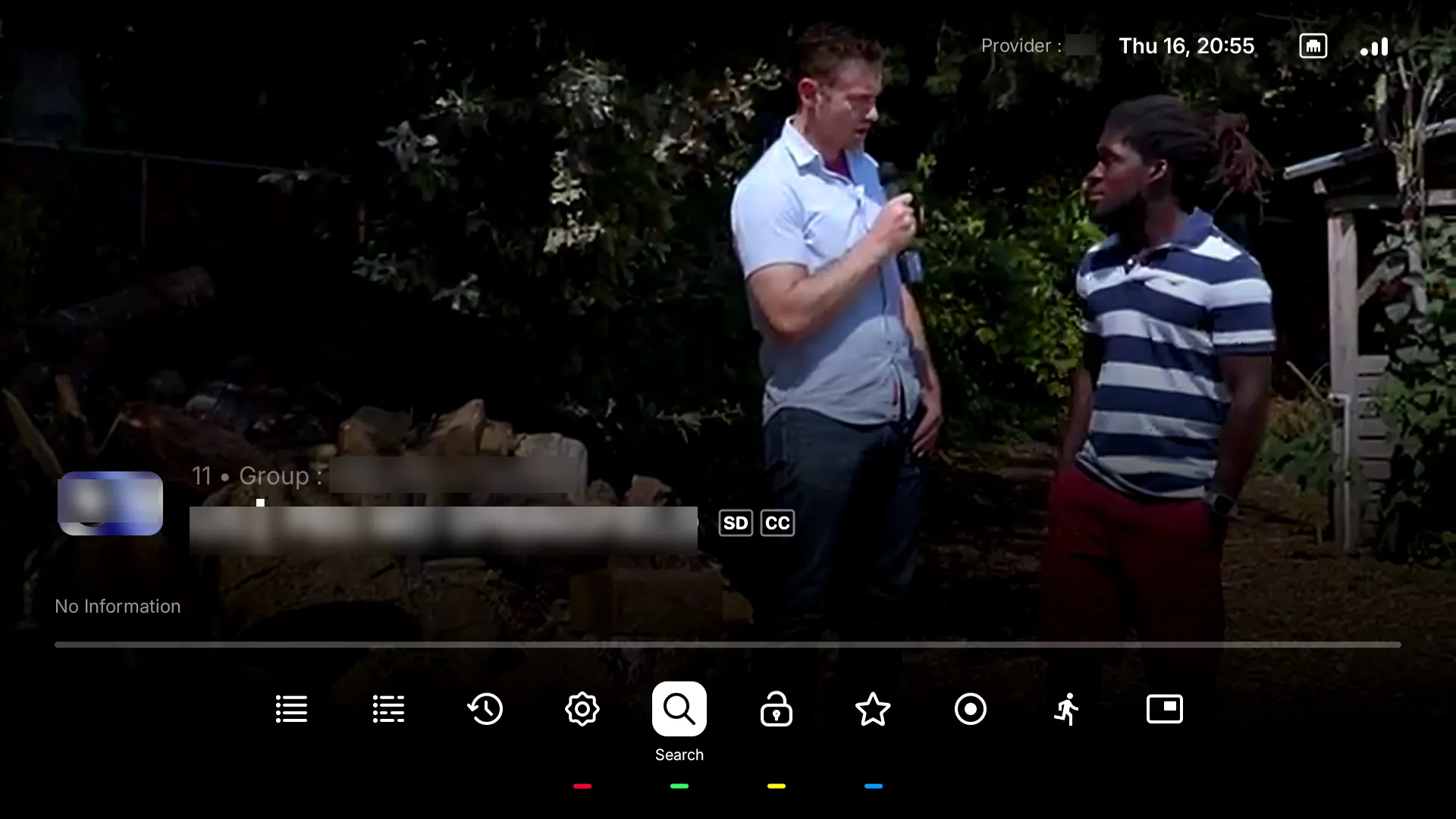
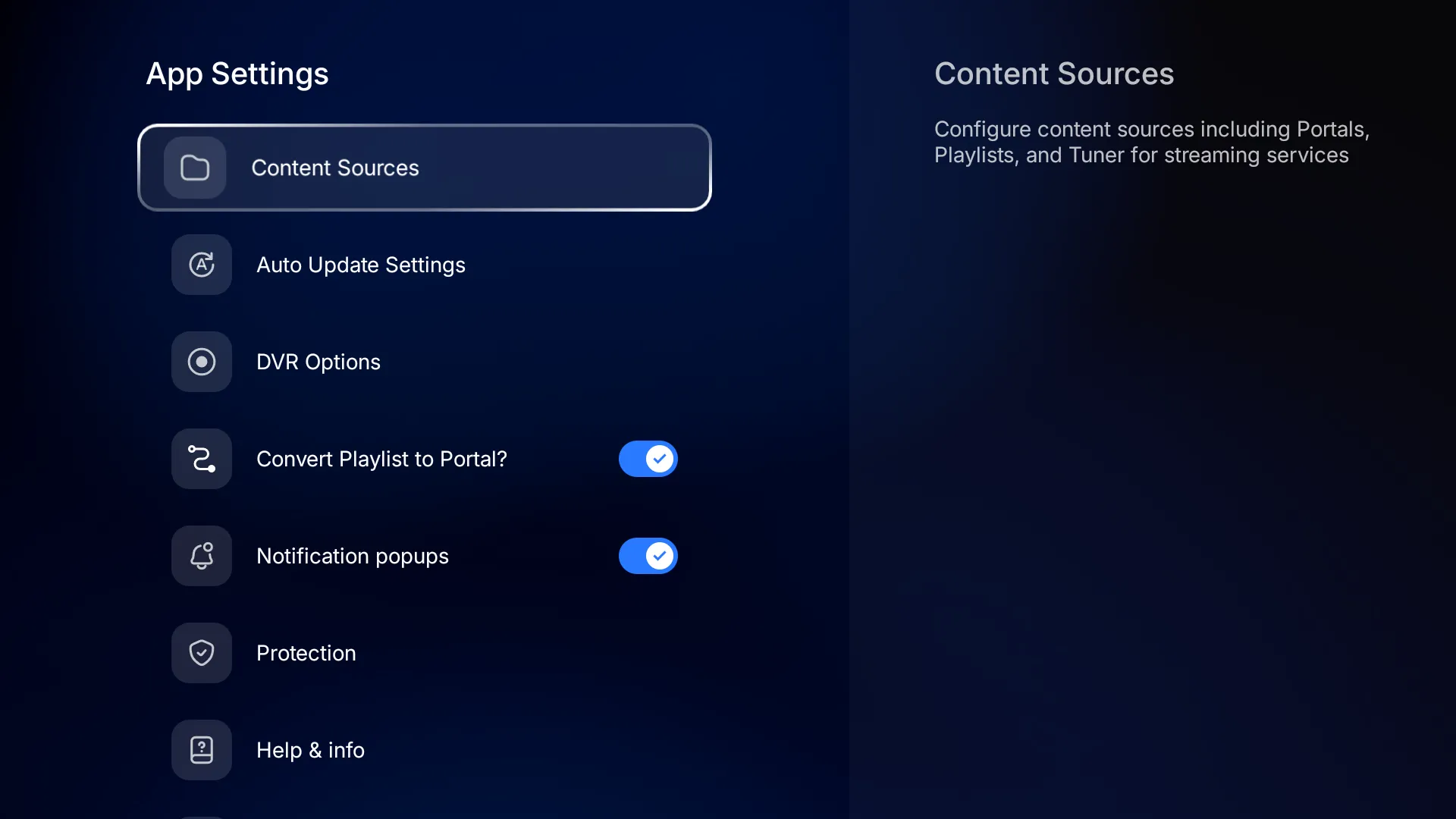
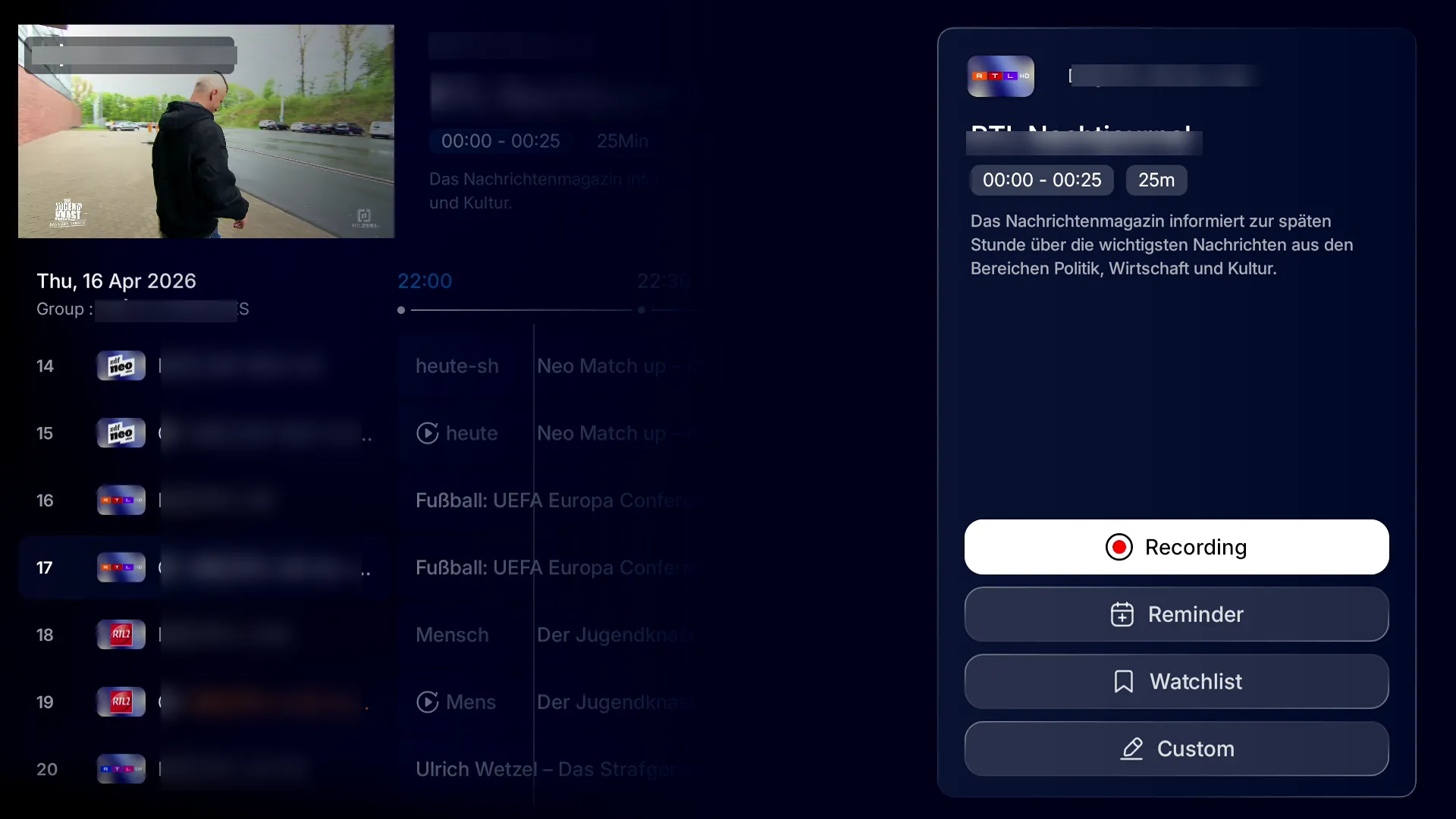
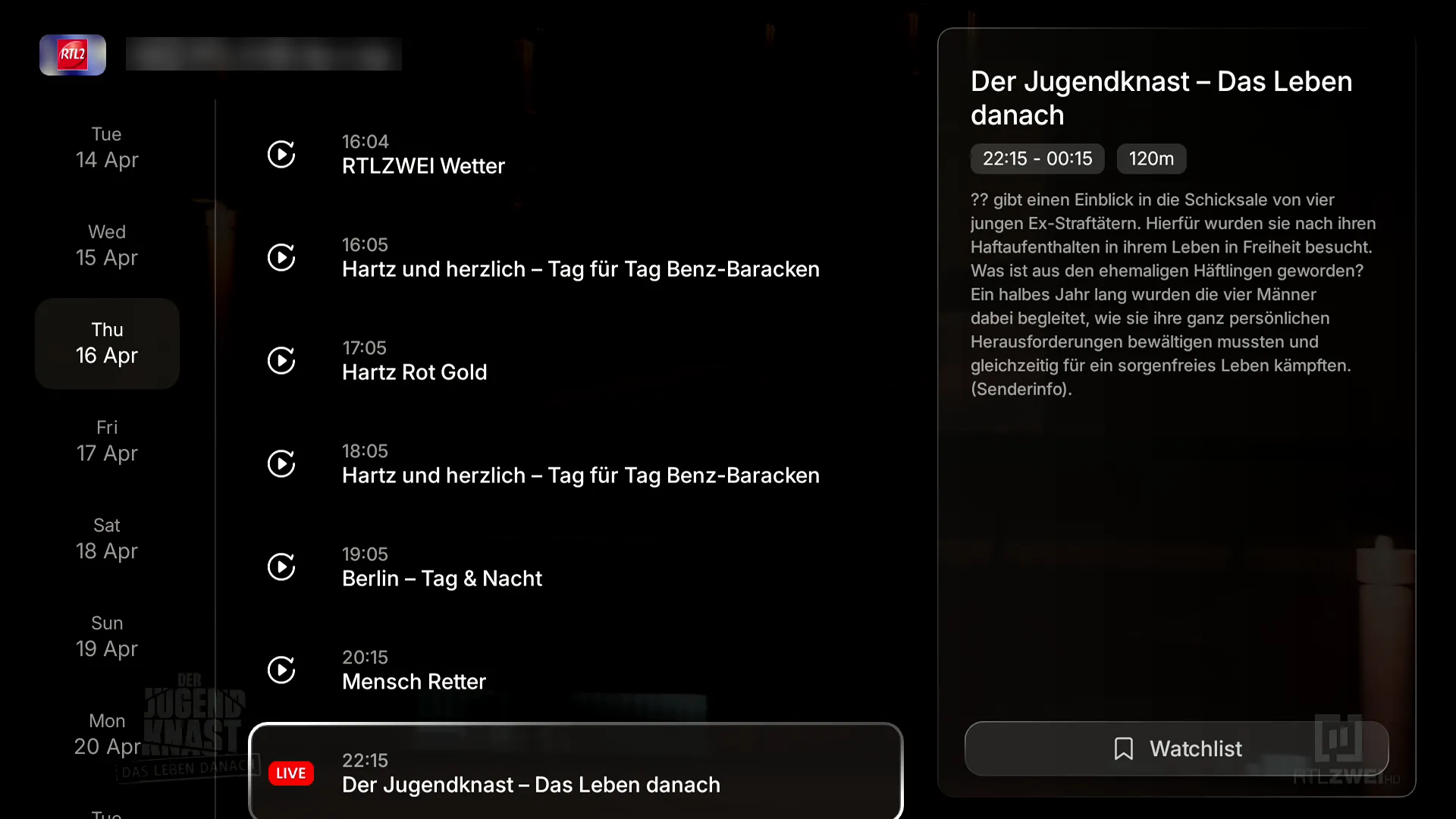
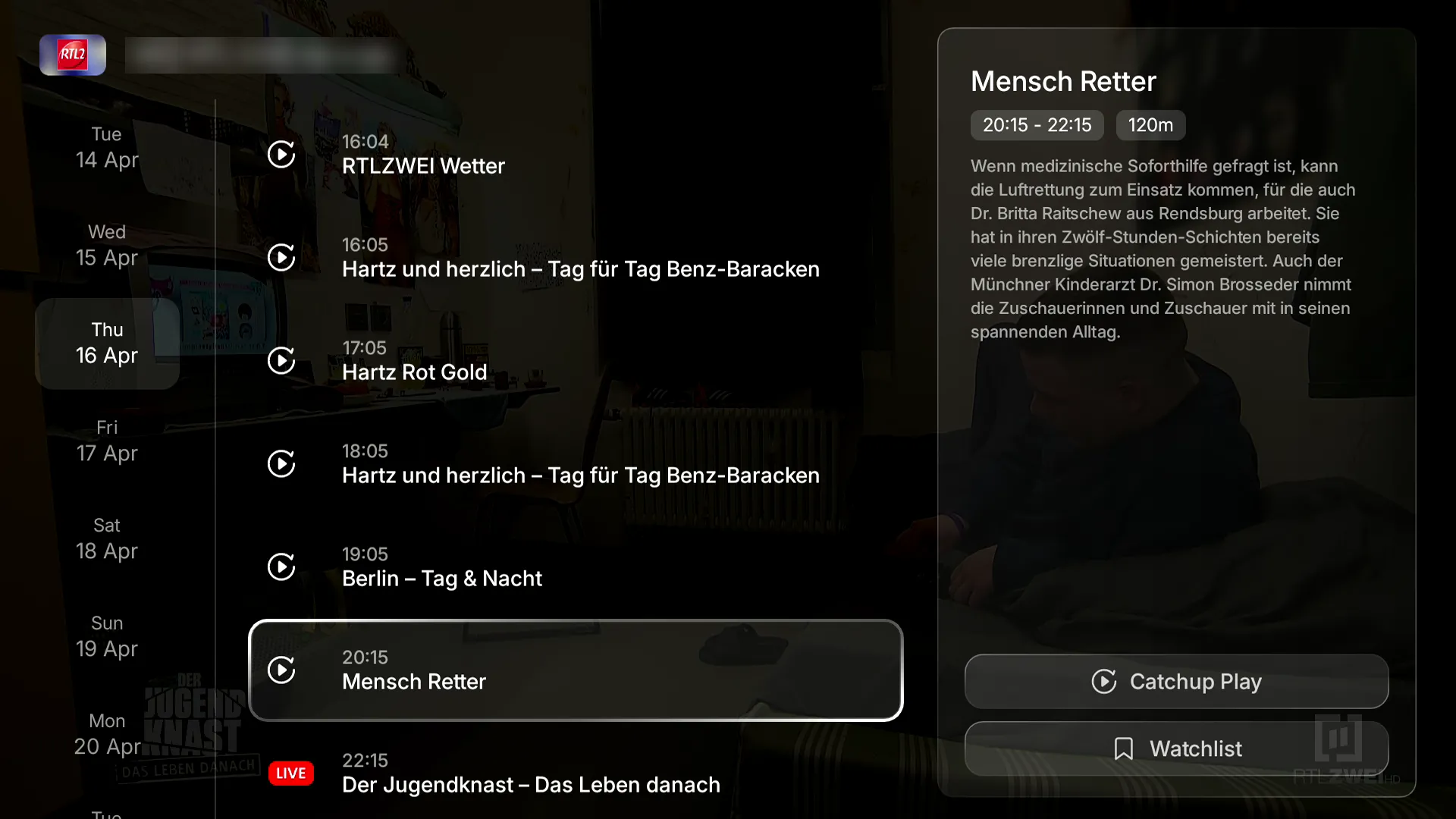
    Screenshots
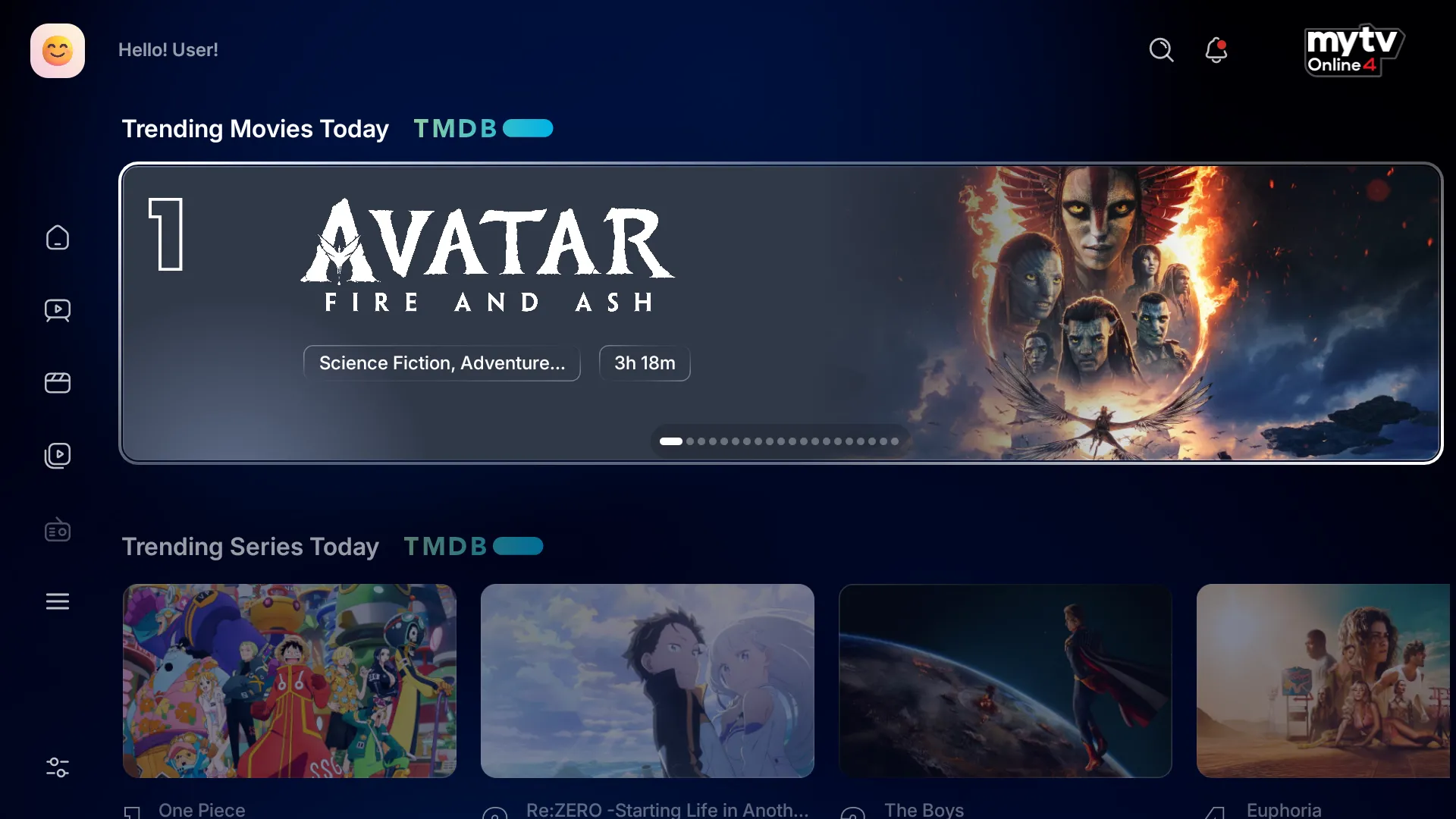


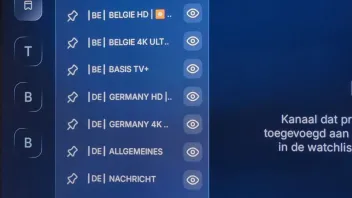
    XC Api Portal with Alternate EPG Mode

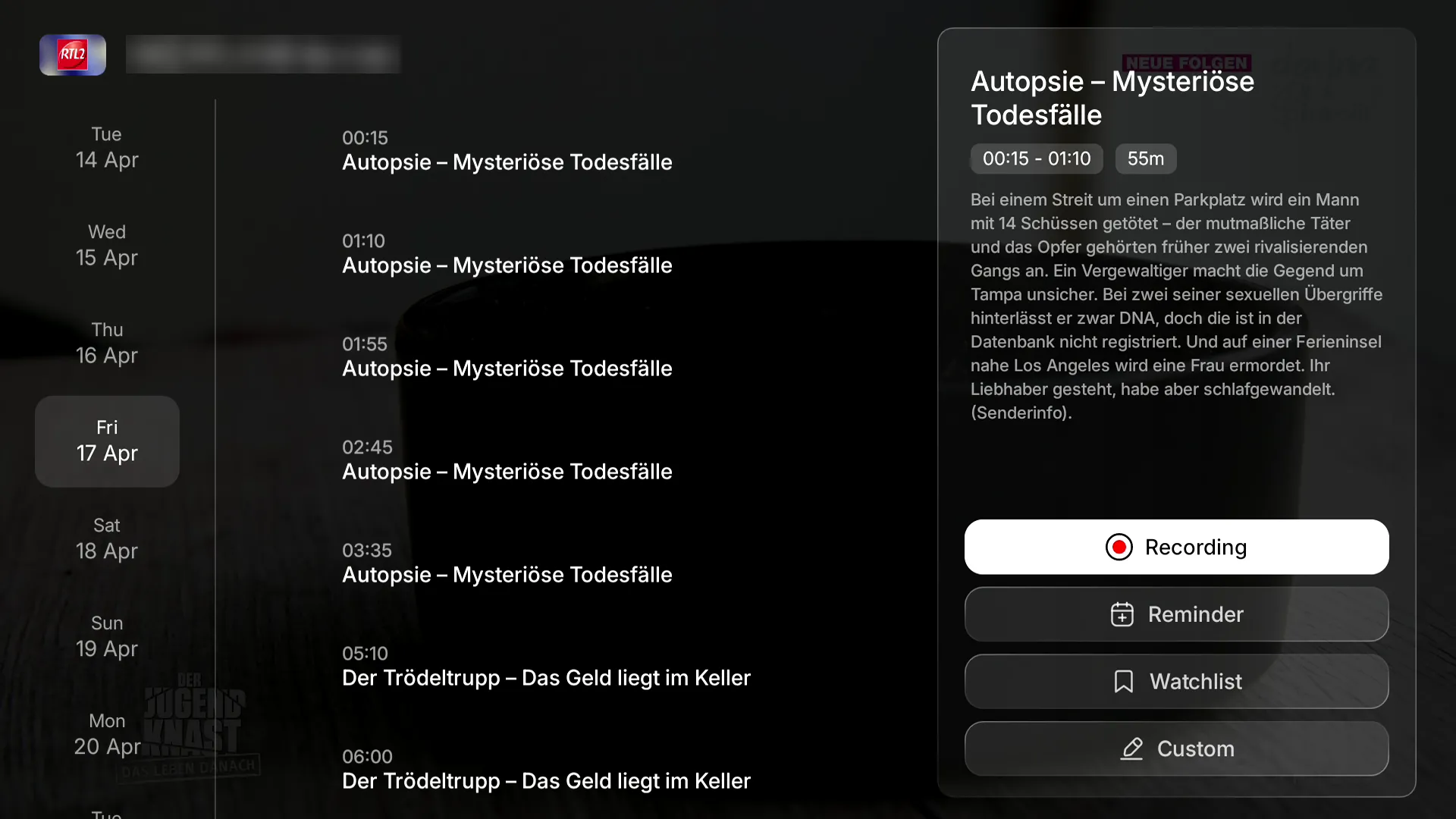
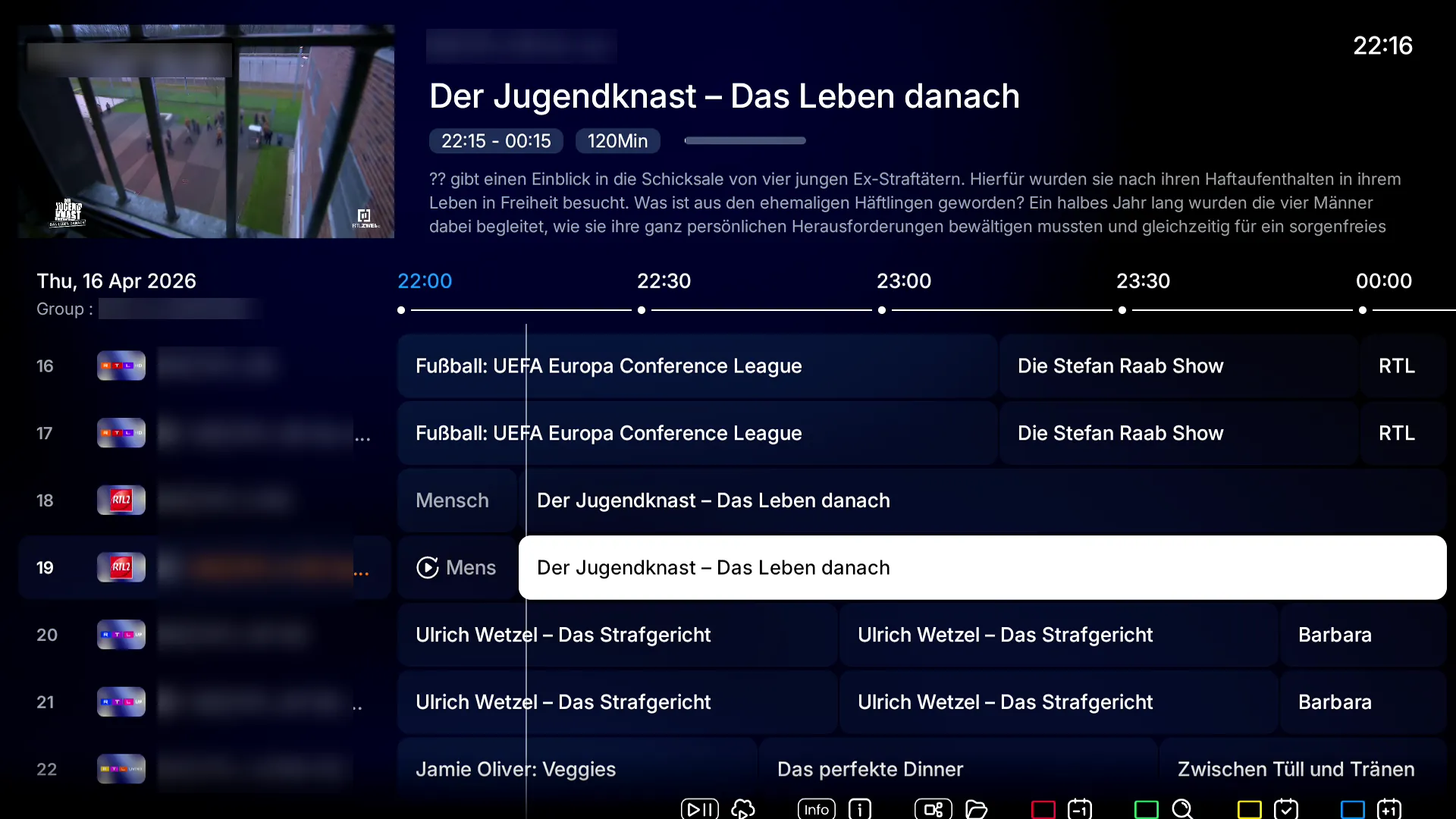
    Main EPG and Single EPG Screenshots

  • Install, explore everything, test for hours and then post your report, thank you.

  • I've found one thing so far that should be reverted back to previous method. The reordering of favorites. The new method of having to select each channel, then press "info" to edit, then press "ok" to reorder, reorder, and "ok" again, only to have to repeat all over is cumbersome and painstakingly too much. Being able to reorder multiple channels with much fewer steps like MTOL2 and MTOL3 is far better.

  • First impression of MYTVONLINE4:
    The design is excellent, nothing to complain about.

    However, I have a few remarks after a few minutes of testing:

    1. The absence of item counts in each group (movies/series). However, it was a good idea to add it for channels.
    2. When starting a channel replay, it is very slow when trying to fast-forward to reach a specific moment.

    Later tonight or in the coming days, I will share more feedback.

  • Very important and urgent note: Dolby Vision is not recognized by the application. When you start a movie, either the HDR10+ layer is selected if available; otherwise, it defaults to HDR10. On the other hand, I tested a movie on Kodi, and Dolby Vision is properly recognized.


    Also, to go back to what I mentioned about switching channels during the replay of a TV program, it is extremely fast for movies and series.

  • Quick impressions, seems a little sluggish scrolling down channels.
    Not much of a worthy update for me.
    To be worth the big ‘4’ upgrade, rewinding on live tv with catch up to the beginning of the program is desperately needed. (Like tivimate)

    Edited once, last by LDeacon (April 14, 2026 at 11:10 AM).

  • Lock great so far, but I cannot find the possibility in content manager how to delete the unwanted country groups. Anyone knows how to in Mol4?

  • Lock great so far, but I cannot find the possibility in content manager how to delete the unwanted country groups. Anyone knows how to in Mol4?

    SAM I already find it in live tv channel list. I have to disable county list's one by one? cannot find the red button as in MOL3 to disable all and than just enable the countries I want. Changing one by one takes so much time.

  • could you provide more details on which section you are referring to?

    I want to hide unwanted channelgroups. I find this in section live tv lest button than these dot's left side at the top. There I now have to disable one by one. Is there no easier way to disable all and then enable only the countries I want to watch. So as in MOL3 the red button to disable all and then enable only the one I like to watch.

    Edited once, last by Belgiumuser (April 14, 2026 at 2:48 PM).

  • So far i like it! Is it possible to add trakt integration for vod? Only thing missing currently. Glad you did remote portal adding!

  • Install, explore everything, test for hours and then post your report, thank you.

    Hi ,SAM ,installing to mtol4 beta doesnt work,possible not yet o.t.a. in Netherlands?

  • Should be possible, try again and read first post - you must click on details near MOL4 logo.

  • I cannot find player options in settings to set a buffer time and set smart tube as default player for trailers.

    The back button don't bring me back to live tv when I am in vod or series.

    No option to change color them for MOL4.

  • I have it. So it's availeble in Netherlands

    I did everything as described in first post(Home>SW update>1339 and get "preparing for update",nothing happens,i only get th message your formuler is up to date

    Any suggestions?

  • You have to go up the top next to mtol4 logo and click details. It then upgrades from there.

    Problem is i dont get a mol4 logo?

  • Steps: cogwheel, software update, press 1339, press up, ok, upgrade.

    What do you mean by "press up"?

  • What do you mean by "press up"?

    I think you have to install the beta for MOL3 first and than go to update again 1339 and on the top of the screen you see the MOL4 logo. Go on details and confirm. Then you will lead through the installation wizard.

    Hope that I can clear thinks out.

  • The button above ok. Up button.

    Up, left, right down

    Now upgraded my primary Z12 and imported everything too. Favorites and all history came along. But missing a detail that should have been fixed. When you set sorting on series and movies to latest added. It becomes standard again after restart. Now you are used to changing yourself but maybe there will be a fix. Now I will upgrade my secondary Z11 in the bedroom.


    svejoh