Hello,
I have an issue with my Z11 pro max and screen settings :
model: Z11 Pro Max
Retail Box or Provider Box: Retail Box
Firmware version: 11.3.3
MYTVOnline 1 / MYTVOnline 2 / MyTVOnline 3 version: 12.1.2
Connection with provider: Xtream codes portal (XC Api)
Box connected with: Ethernet
Did you factory reset your device? and when?: Yes
Picture url (only https): https://mega.nz/file/9QQgBCqA#…qNcHmt5-lyCeICI
Video download url (only https): https://mega.nz/file/NQwECbCb#…wy1DPvUXH1YsNpI
What issue(s) are you having? When I put it on standby and turn it back on, screen settings return to auto. It doesn't keep my settings
My Z11 Pro is connected to my Onkyo TX-NR515 through HDMI cable. My Onkyo is connected to TV Samsung Crystal UHD 65TU7125 SMART TV (UE65TU7125KXXC) with HMDI ARC port.
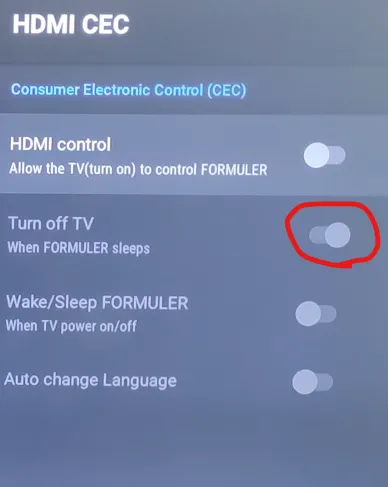
HDMI CEC is off, HDR is off and i use HDCP 1.4.
What was you expecting to happen? The screen settings saved everytime
What happened instead? The screen settings not saved
How can we reproduce the issue you are having? Set screen settings as desired, put formuler on standby. power off all other equipments. restart equipements and formuler.
What have you tried if anything to rectify the issue? I tested with different HDMI port (on my Onkyo and my TV Samsung) and different HDMI cable. I still have the same issue.
PS : The issue is similar with this thread for Z10 Pro Max (posted October 12, 2021) : In the menu Screen resolution the display mode and color space settings are not saved - Formuler Z10 Pro Max, Z10 Pro, Z10, Z10SE - Formuler-Support Forum (English)
Can you help me please ?